RTX 5080 Upgrade from RTX 3060
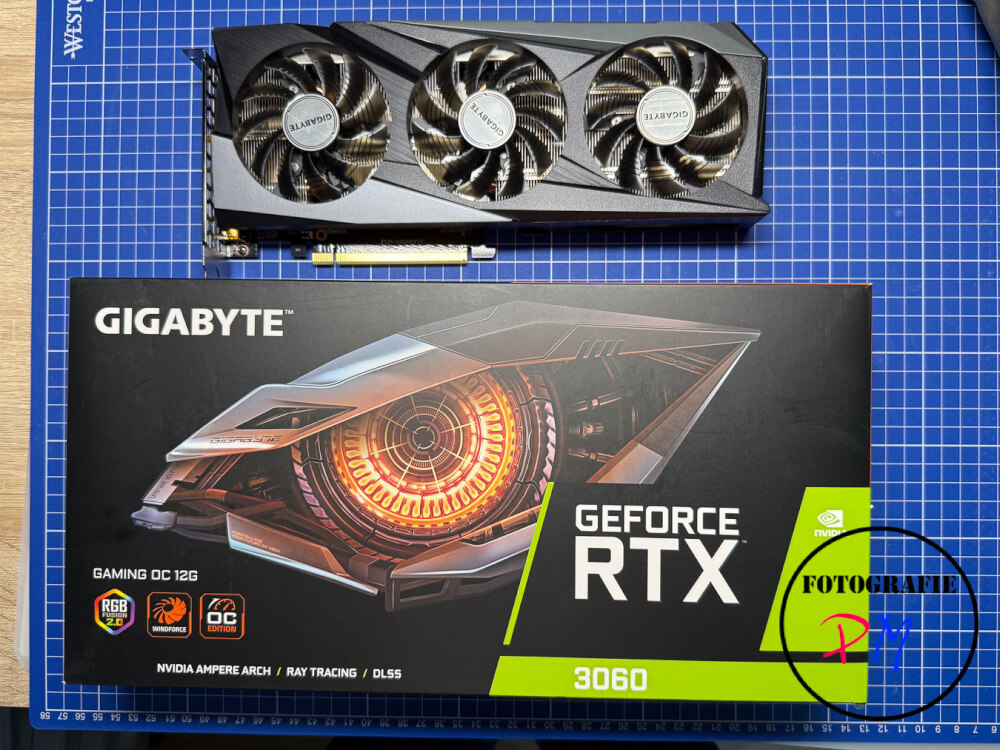
In February 2024 I completely renewed my Windows 11 PC and with the setup was an NVIDIA RTX3060 with 12 GB VRAM. Now it was time to upgrade here.
As you may know, I essentially use my MacBook Pro with an M4 Pro processor for both Lightroom and video editing with DaVinci Resolve. This also works well so far, although I have already noticed in the video about the MacBook Pro that the MacBook is a little slower in direct comparison to a Windows 11-PC with an i7-14700 CPU. However, that didn’t bother me in essence.
Until a few days ago, when I first played around with a plugin that is essentially based on Fusion. Here I had to find out that the render times for a 27-minute video in this case were exorbitantly high. Especially the sequences in which this Fusion plugin was used were sometimes only rendered with five to six frames per second. This meant that the render time for a 27-minute video was between one and a half and almost two hours.
This also shows the biggest disadvantage of the Mac systems: They are not expandable. The original choice of the M4 processor was correct, but now I can no longer retrofit any components. More memory might be desirable, but it doesn’t play a decisive role for video editing. A more powerful graphics unit, on the other hand, would be an advantage.
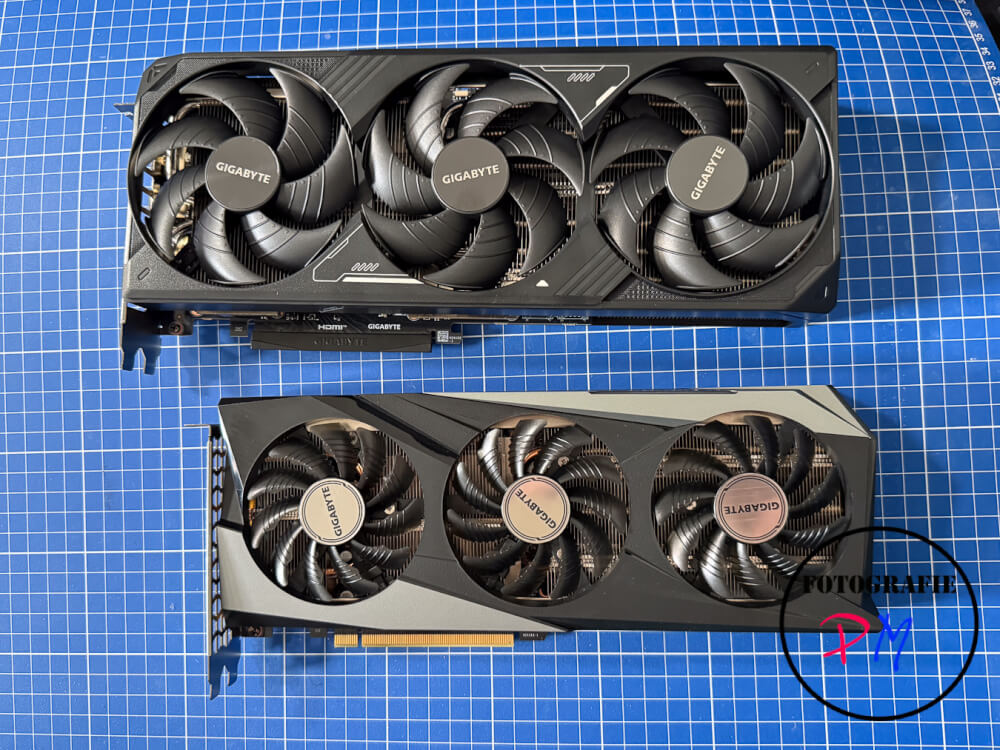
That’s why I decided to replace the NVIDIA RTX 3060 with 12 GB VRAM installed in my Windows 11 PC a little more than two years ago with an RTX 5080. All other components, i.e. the Intel Core i7-14700 CPU and 64 GB RAM, have remained unchanged. In particular, a further upgrade of the memory would bring little in the render times and is currently simply not affordable.
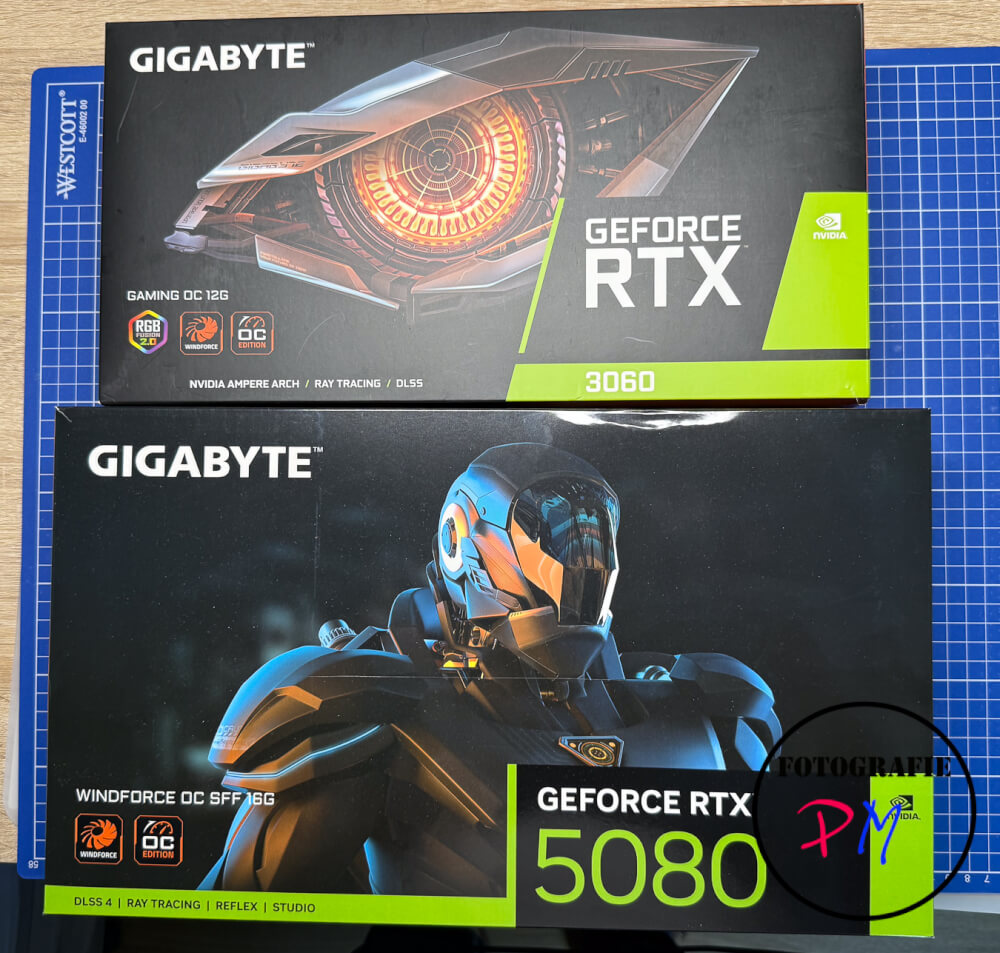
The conversion in the Fractal housing was actually not difficult, but a bit tricky due to the arrangement of the power supply. In addition, I had to replace a cable because the RTX 5080 is powered by the new 12V-2×6 connector. Fortunately, my power supply already supported this connection.
After the first successful start, I was able to try out the new combination and first used the TFA benchmark, which I had already presented on YouTube. At first I was a bit disappointed because some movie clips were also only rendered with one or two frames per second. Overall, however, this impression quickly became relative, because the entire benchmark was completed in about half the time. However, it must be taken into account that this test is extremely GPU-heavy.
With the actual video that led to this decision in the first place, I was able to reduce the rendering time on the Windows 11 PC from about 17.5 to 18 minutes with the RTX 3060 to about six minutes. This makes rendering about three times faster.
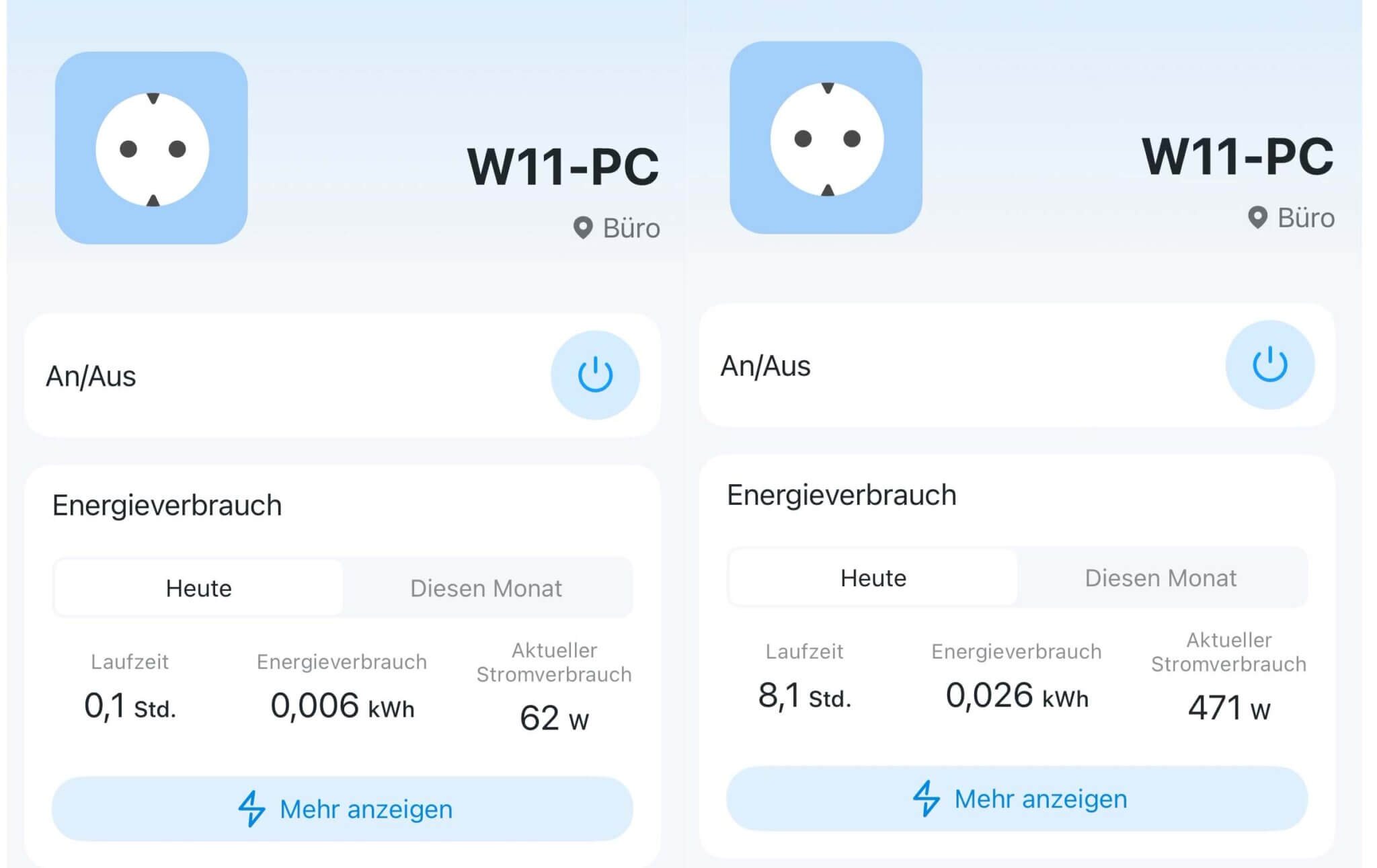
For this, the card or the PC pulls almost 500W out of the socket under load.
If you observe the load in the task manager during rendering, you will find that such videos – in this case they are open-gate 6K material – the video memory is almost completely utilized. Most likely, the working memory or the outsourcing file was also used intensively. However, I cannot clearly prove this with my current possibilities.
I think I still upgraded at a reasonably favorable time. Already a day later, various press portals reported that NVIDIA had informed its partners that prices would soon rise due to the increasing scarcity, especially for the models of the RTX 5000 series.
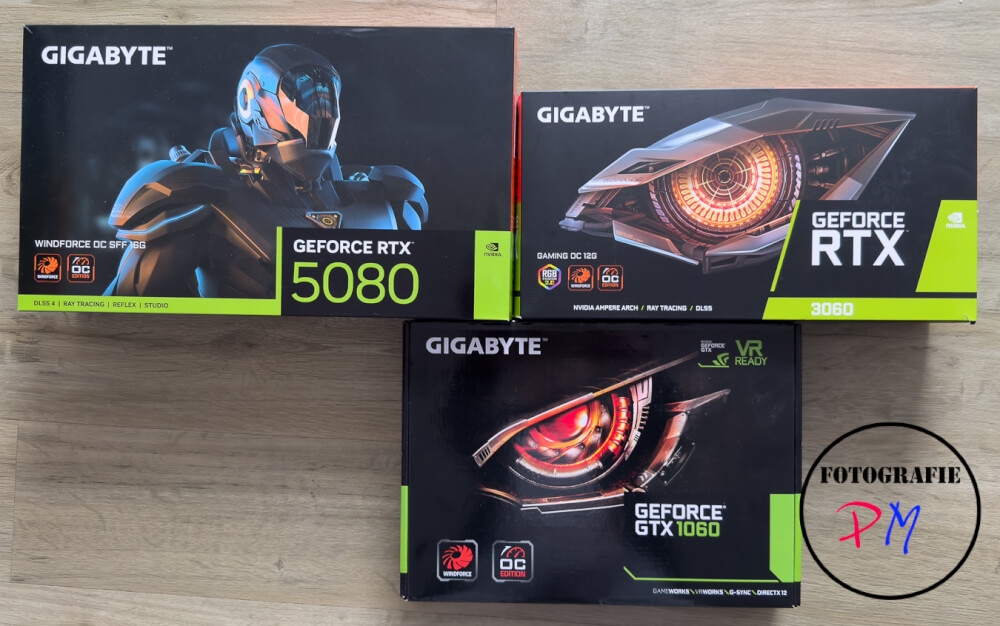
In any case, I am now at the point that I can render even videos with elaborate fusion effects in a much shorter time. The editing is also noticeably more fluid. The latter can also be improved, for example, by reducing the resolution of the timeline or having proxy media created in advance, which is then used for editing.
Nevertheless, a MacBook Pro or even a MacBook Air do an excellent job in video editing. However, you have to be aware of the limitations. The appropriate model should be chosen carefully from the beginning, as later upgrades are not possible.
For me, the upgrade was definitely worth it, as the render times have dropped considerably. I will probably adjust my workflow a bit in the future: I will continue to cut the videos on the MacBook Pro or MacBook Air, but perform the final rendering and upload on the Windows 11 PC.


