MacBook Pro vs. MacBook Air: A detailed comparative analysis
Does it really have to be a MacBook Pro? My current versions are based on the devices that I own myself, namely a MacBook Pro M4 and a MacBook Air also M4 with otherwise essentially the same equipment.
Introduction
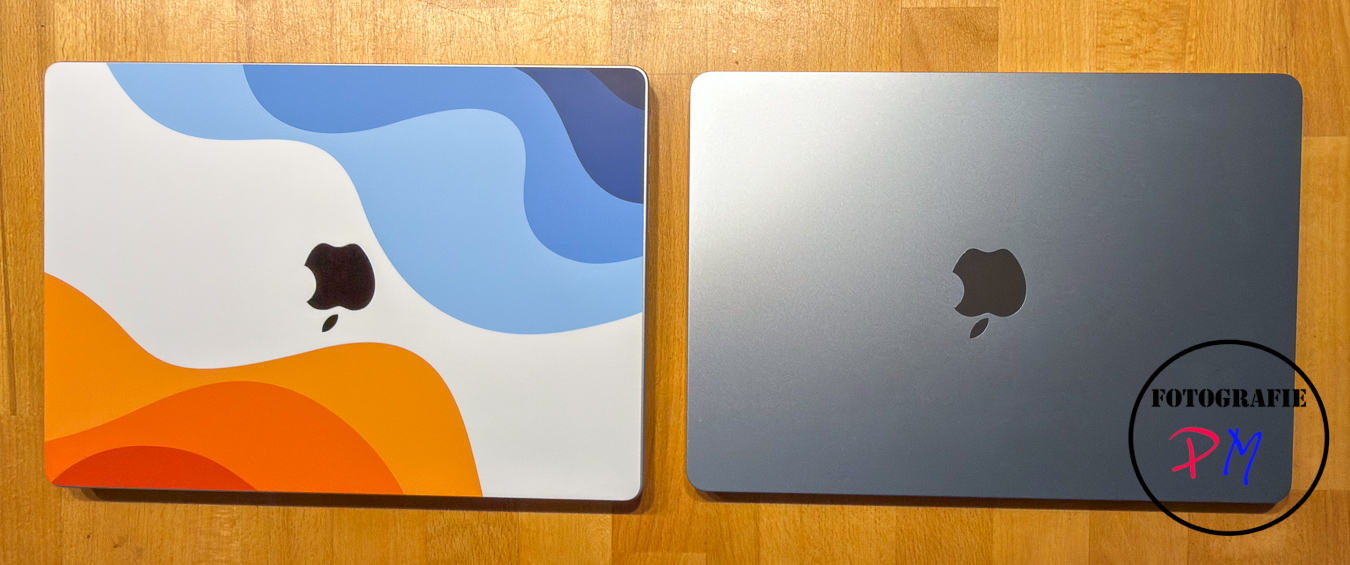 I have had the MacBook Pro for over a year now and it has practically become my main device, although my Windows PC with an Intel i7-14700 CPU is of course still a bit faster. But the MacBook Pro with an M4 Pro chip, 24 GB of RAM and a 512 GB SSD is also absolutely suitable for video editing and all other tasks such as Lightroom, Photoshop and so on.
The MacBook Air was bought rather as a replacement for an iPad, because an iPad, as they say, is not a real computer. And the use of a tablet or the tablet operating system offers a lot of limitations that you don’t have with a laptop. Of course, it would have been even more ideal to take a MacBook Air with the M1 chip at the time, which I once owned, which was a bit smaller in terms of dimensions, but above all much thinner and a good bit lighter. And with that we are already at the technical data, so to speak. Let’s go through the connections first.
The technology
In addition to the charging plug, the MacBook Pro can of course score points with the fact that there are already two USB-C, or rather Thunderbolt 4 ports on this side.
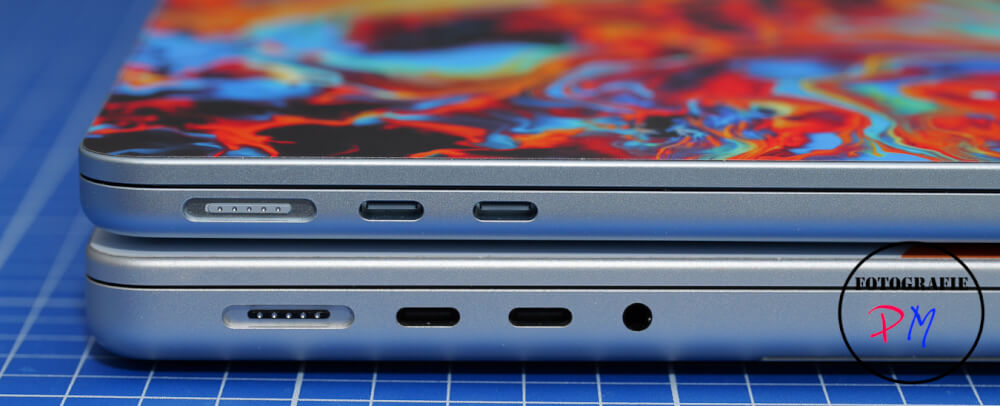
In addition, the MacBook Pro still offers the connection for the headphones, and if we then switch to the other side, the MacBook Air is the end, so to speak. Here is only the headphone jack, but no other connections available.
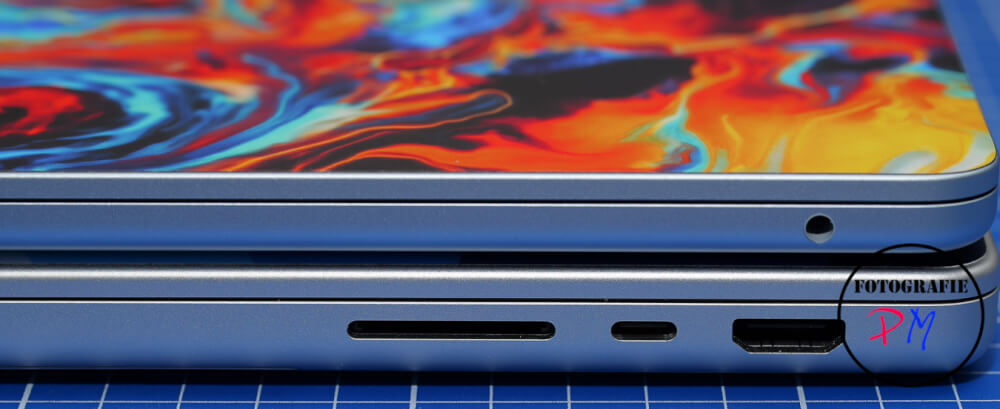
Here, of course, the MacBook Pro offers further connections, namely another USB-C or Thunderbolt port, an HDMI port and a slot to be able to read SD cards directly here in the device. The other technical differences are essentially the display, which runs here on the MacBook Pro with 120 Hertz, and with the greater brightness you will not be able to notice any other great differences, except that the MacBook Air is of course in direct comparison a touch smaller and is about 300 g lighter. You should not believe at this point, but you notice the 300 g.

Possible applications
The applications of a MacBook Air, including a device like I bought it now, namely with the M4 processor, here also 24 GB RAM and 512 GB SSD, are more than enough for what you did with an iPad before. But also on this device you can easily run Photoshop or Lightroom or other programs that require a little more performance. It is also possible to edit a video here, for example, with DaVinci Resolve.
Of course, the connection to an external monitor via USB-C is recommended here. But it does work. The pure editing is also not so bad or demanding for the CPU. But the export of the finished video, i.e. the rendering, takes up quite a bit of the CPU. And here comes the point where the two devices differ quite a bit. The MacBook Pro has two built-in fans and depending on how you adjust them, that the device really does not overheat, you notice them relatively clearly when they turn up while you render a video, for example.
Overheating
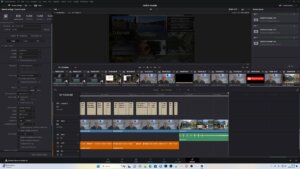
Of course, this cannot happen with the MacBook Air, as there are no fans here. Nevertheless, I installed the app TG Pro, which I also use on the MacBook Pro, for fun, because it can measure the CPU temperature relatively accurately. And so it came out that a 20-minute video, as I said, recorded with the LUMIX only in MP4 Light—not even a codec that makes even more requirements—brought the MacBook Air into areas where TG Pro at least displayed temperatures around 104-5°C. That may be fine for a single or a rare application, but I think if you do it all the time, i.e. to use the device also for video editing and especially rendering, I don’t think it’s suitable. Of course I know that the CPU clocks down to protect itself, but as a permanent burden I wouldn’t want to do that to any device anyway.
Result
Otherwise, I am more than satisfied with the device. It’s nice and light. You really have one, I’ll call it a laptop that’s full-fledged, as opposed to an iPad. Has a slightly larger screen and, although this might not be necessary, has a little more power available. Here it might even have been worth considering to take a look at the new MacBook Neo, which combines the advantages of a, I call it now, real laptop with those of a tablet, because here, for example, the CPU of an iPhone 16 is installed.
ciao tuxoche


