Lumix LAB App with RAW format support
Last week, Panasonic released the Lumix Lab app in version 3.0.0 and released that the images of the Panasonic cameras can be edited in this app.
Introduction

This is of course super interesting for all those who essentially photograph RAW, just like me, but who still want to edit a picture on the smartphone or tablet from time to time and then want to share it on social media, for example. So I just tried it out.
The Lumix Lab app is, as already mentioned several times, unfortunately an absolute smartphone app. The dimensions do not adapt when changing to, for example, a tablet, i.e. the app remains portrait format and thus gives away a lot of space. But we don’t only know that from this app, but there are a lot of apps that are actually not made for a tablet.
I recorded a video about it:
The app
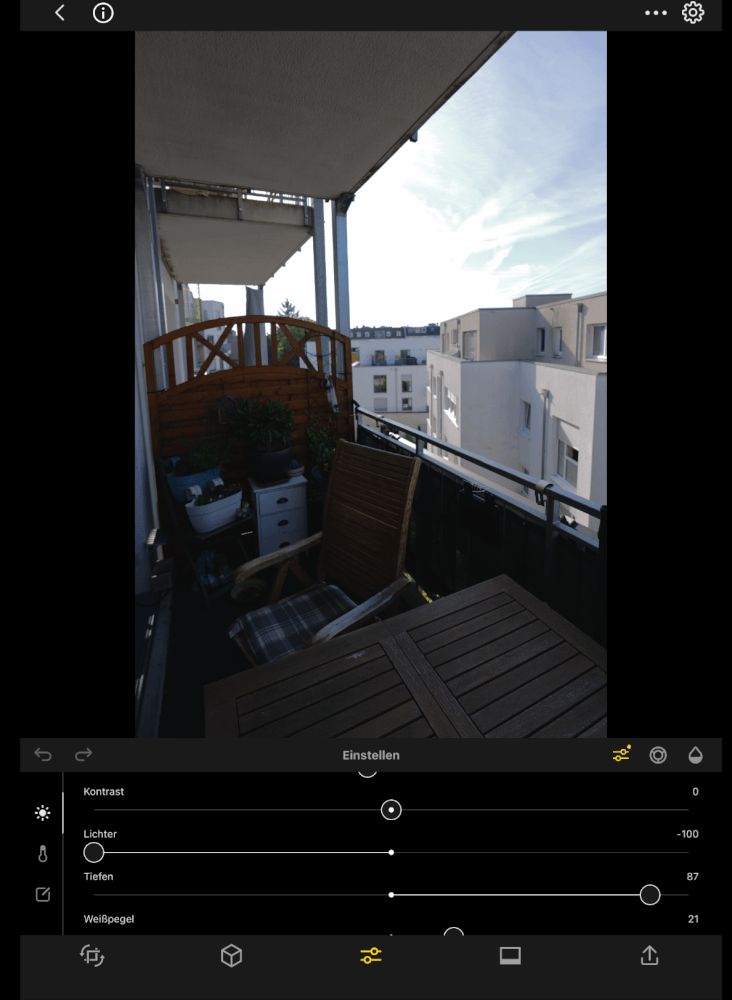
The RAW images are downloaded from the camera via a Wi-Fi connection, whereby a Bluetooth connection must first be established here. I had already criticized in a previous article that the Bluetooth connections are unfortunately not very stable.
I had tried to use them at the time to do GPS tagging with the pictures. But once the connection is in place, downloading the RAW images is relatively fast in this case, because even with the S9 we are talking about images with a size of about about 30 MB each.
The images can then be edited in the gallery, i.e. also in RAW format. Here are the basic processing options such as exposure, contrast, highlights, shadows and so on, as well as saturation, white balance and a noise removal as well as a sharpening of the images are available.
Then the finished image can be saved on the device or shared. It was already noticeable that, for example, sharing or saving always jumps to 100% quality by default, while you rarely need such a high quality for sharing on social media.
The comparison
But let’s evaluate the RAW results. I deliberately took a backlight motif here to simply exhaust the options of a RAW image and edited it in both the Lumix Lab app and the Lightroom app. It was not primarily about a clean, color-neutral processing, but about getting as many details as possible out of the RAW image.
And here you unfortunately have to say that although the RAW images are their own RAW format, Lightroom performs better by lengths, even if the finished image seems a bit like an HDR image. If you want to take advantage of this or have further editing options, you are there at this point, for example with the Lightroom app, because more can be retrieved here, for example in the shadow areas or even in the spotlights.

However, the entry into RAW editing is the right step and we are now certainly still at the beginning with a version that came for the first time. It remains to be seen which improvements will be made here by Panasonic.
However, the question inevitably arises, why, for example, when combining the Lumix S9 with the LAP app, the Lumix S9 has been marketed as a content creator story, the Lumix S9 still cannot format. Because the HEIF format would be easier to handle, would have been simply more pragmatic, especially when using LUT’s, because of course many LUT’s rely on the HEIF format with a 10-bit vlog image style, instead of starting completely with RAW, so to speak, from the beginning. The Lumix S1R II so also the Lumix S1 II both offer the option in HEIF instead of recording in JPEG and could then fully exploit the capabilities of the lab app. Here it would be desirable if this also happens for the S9 at the next firmware update.
Conclusion
The entry into the RAW editing is basically correct and is in principle fine for the first version of the app. But compared to the competition, there is still a lot to do.
ciao tuxoche


