Luminar NEO new name and other updates
Today Luminar 1.28 v was released and I already had the opportunity to watch a beta version.

After the support for Lightroom catalogs was implemented last time with version 1.27, Skylum presents today with some innovations for the release date of version 1.28. There are less new functions than a more than arrogant structuring of the surface.
But there are of course also improvements to a few functions, such as image composition.
I also recorded a video about it:
First of all, Luminar Neo will soon be renamed Luminar. This is intended to merge the various apps for desktop and mobile devices under a single name. At the same time, Skylum hopes to avoid a similar name chaos, as it has arisen at the time – and actually to this day – with Adobe with Lightroom.
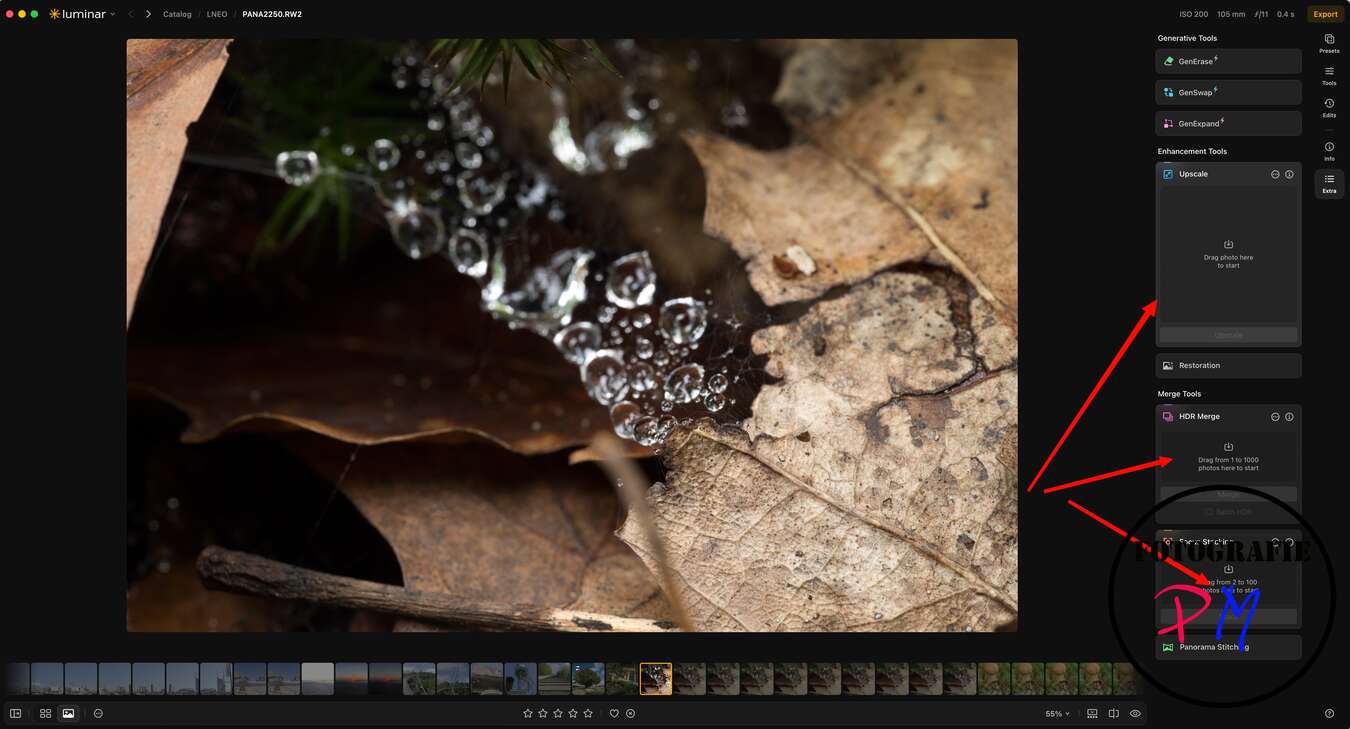
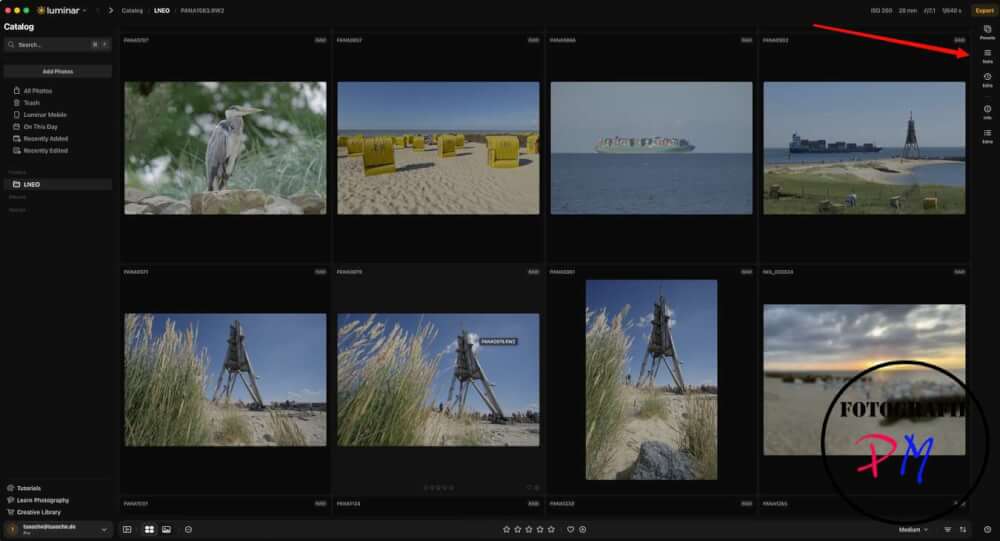
A significant change concerns the user interface, which presents itself much more neatly and coherently in the new version. On the left side, as before, are all folders and – if configured – also all albums. In addition, there is now a direct area with instructions, tutorials and further assistance, which should make it easier for beginners to enter the program.
On the right side – if you exclude the metadata information once – all tools for image processing are now clearly summarized. This includes both the development tool and direct access to presets and other functions. In the development tool itself, all adjustment options are still available.
What is new, however, is that all changes made in the individual modules are now summarized centrally in the Edit tab. Previously, it was only possible to view the changes within the respective module separately. Personally, I would still prefer it if the settings made were displayed directly in the respective tool in which they were made. However, the new solution is quite easy to work with.
In addition, there are two new features. The first is AI-powered support for image composition within the crop tool. It automatically suggests a new image section that puts the most important image areas more in the foreground and optimizes the composition. This proposal can be adopted, but of course it does not have to.
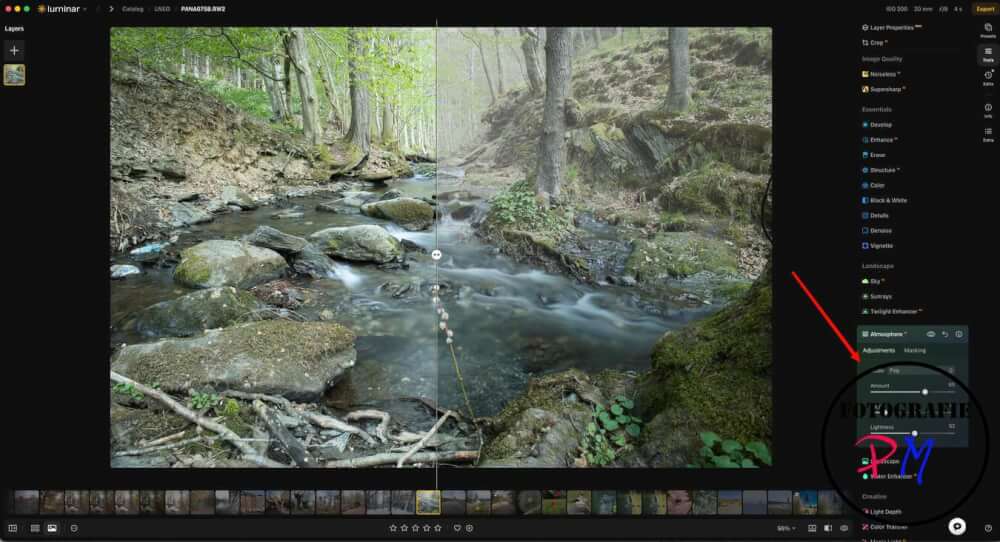
Also new and improved the function to add a fog effect. The result already seems quite convincing. However, the initial motif should match this effect so that the desired effect is actually achieved.
Finally, the operation of the interface in the lower bar was also further improved. In this way, the sidebars can be hidden or reappeared with one click. You can also switch directly to the catalog view by clicking on the grid symbol. The remaining functions are already known. This includes, among other things, the assignment of star ratings as well as the adjustment of the size of the preview images and other settings.
With the code TUXOCHE10 you can get a 10% discount when you order via this Link. You can also download a trial version.
ciao tuxoche


