iPad Mini the small allrounder
The iPad Mini is the little companion with enough power that can do (almost) everything.
Introduction
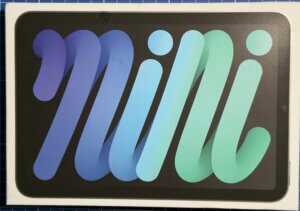
After a little over four years, my iPad Air has problems with the battery, so I looked around for a suitable replacement. The choice fell on the iPad mini. It is a small version of the normal tablet. At first glance, this tablet may seem too small, but it has enough power to complete most of the tasks that arise on the go, be it writing emails, browsing websites, watching videos or editing texts.
Without taking it in advance, it feels more comfortable in the hand compared to a regular iPad.
Equipment
This tablet is AI-capable. It comes with a screen of 8.3 inches, which is in a favorable aspect ratio, in contrast to the Samsung Galaxy, which almost corresponds to a 3:2 aspect ratio. This allows you to read texts, consume videos or check e-mails quite easily both in portrait and landscape format. I got the tablet together with the Apple pen so that I don’t have to depend on it, sometimes having to tap quite small symbols such as the red characters to close a window with my hand.
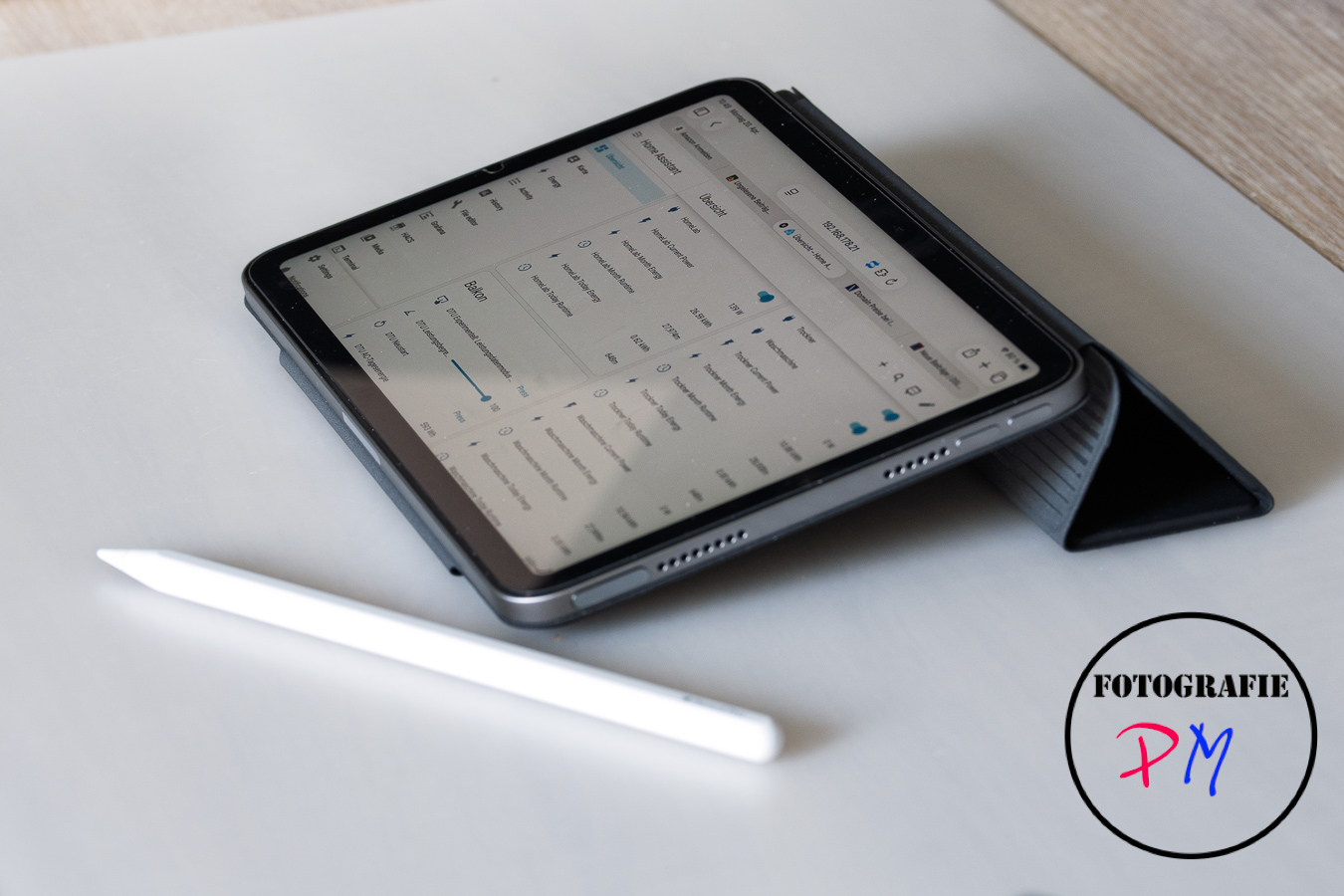
At the same time, I bought the tablet with a skin memory of 256GB because of the only 100,– € surcharge, so that there should also be enough reserves here.
Daily use
With this tablet you can, for example, edit WordPress or translate texts with AI functions, even on the tablet itself, without sending these texts to the Internet. Or to have other tasks done. The power that the built-in A17 processor gives is sufficient, for example, to load images as an example into Lightroom Mobile and perform a first inspection and also a first editing in the cloud. The results are then synchronized via the Adobe Cloud.
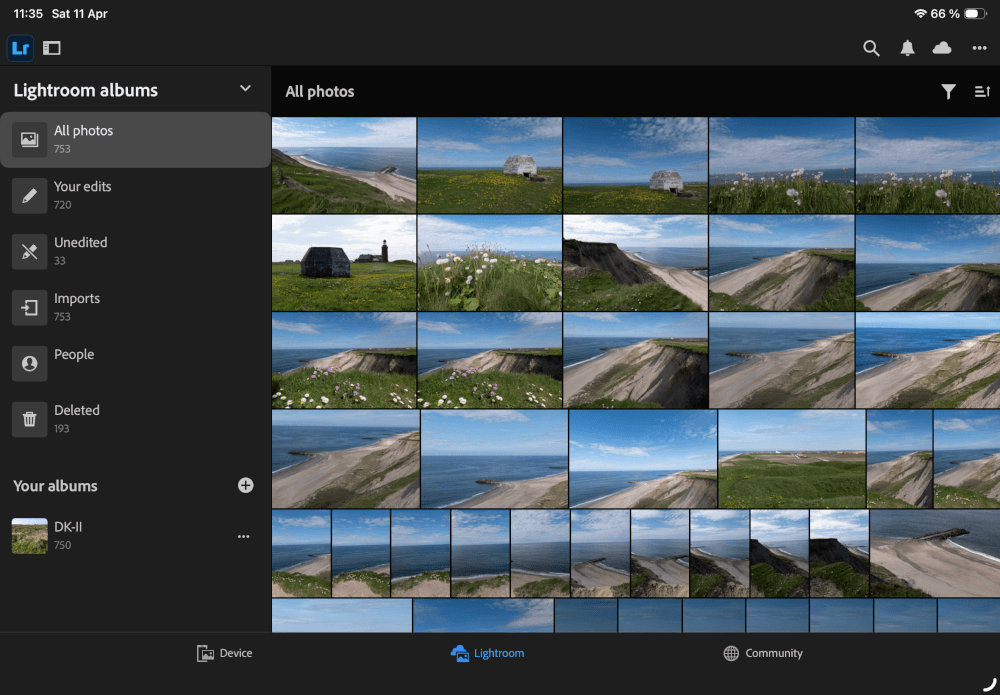
But also the other way is just a lot of fun. For example, because I am simply behind with the editing of my holiday pictures, I have synchronized the images as Smart Previews with the cloud, so that I can now in a café, when I sit somewhere at the table or even in the evening in bed, if necessary, I can subject the pictures on the small tablet to a first editing. Of course, you can’t really edit fine details here due to the size or rather the smallness of the picture. But to carry out a sighting and also an initial processing, which usually refers to pulling down light, brightening shadows and so on, it’s all enough.
iPad as video editing device
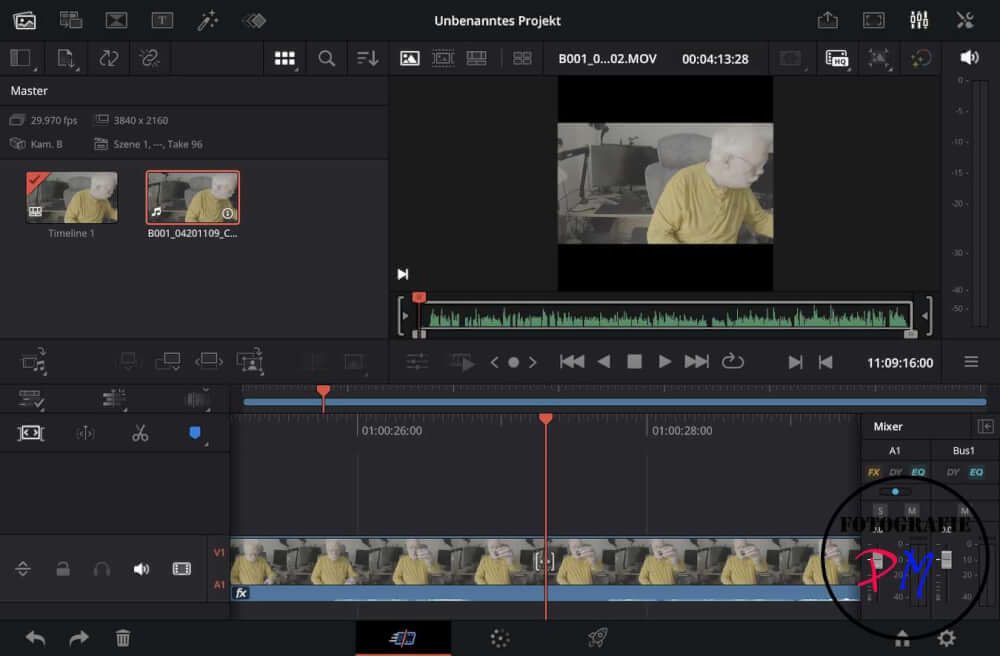
Even editing videos via the iPad version of Da Vinci Resolve should be possible in 4K. So far I have only tried this once with some clips from my iPhone in 4K. And at least the playback of the clips went very, very smoothly, so I assume that at least easier edits are possible with the iPad. Overall, the iPad convinces with a balanced side space and its performance. For use, for example, with Da Vinci Resolve or Lightroom, I bought a version with 256 GB of memory, so that even if I don’t want to connect external drives, I don’t get into trouble so quickly and can save my photos or video clips.
Conclusion
The iPad Mini actually leaves nothing to be desired if you get involved in the smaller screen. In terms of performance, there are definitely no losses to be noticed. In any case, I’m glad to have gotten the smaller version of the iPad Air, so to speak.
ciao tuxoche


