Sedola Managed Switch for 2.5 Gbit network
I actually upgraded my network to 2.5 Gbit/s quite some time ago to speed things up—not only when accessing photo or video files but also during backup operations.
Introduction
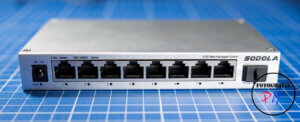
More than two years ago, I reported on the issues I was experiencing at the time regarding a 2.5 Gbit driver on Linux. Back then, I had purchased the QNAP QSW-1105-ST, which features a total of five 2.5 Gbit ports. The price gap between a 1 Gbit switch and a 2.5 Gbit switch can still be described as significant, even though switches have become more affordable in the meantime.
The QNAP is certainly still a good device, but it has one crucial drawback: it is an unmanaged switch.
Interface
The web GUI is simple, yet perfectly adequate. You can quickly locate the various settings and configure everything you need.
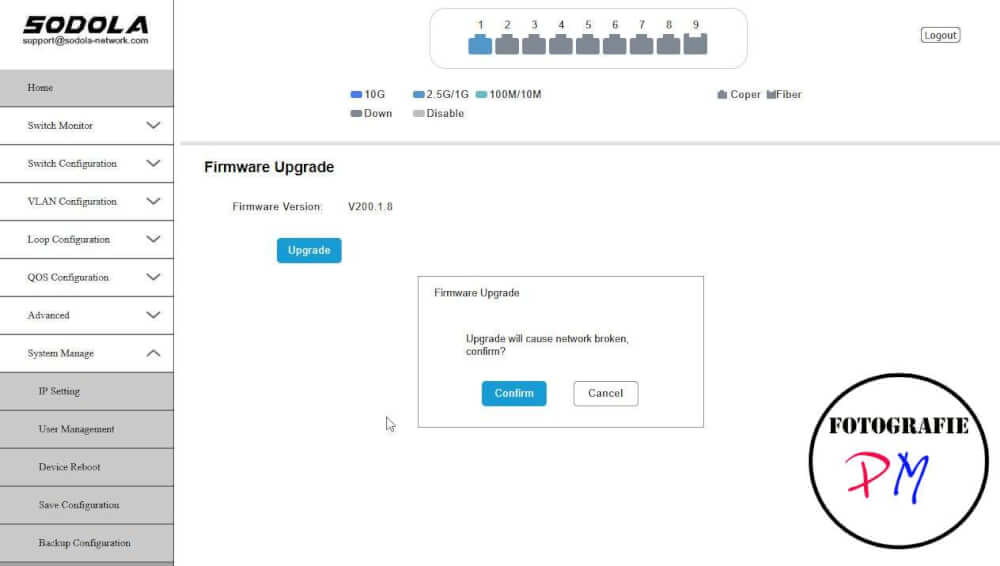
Setup
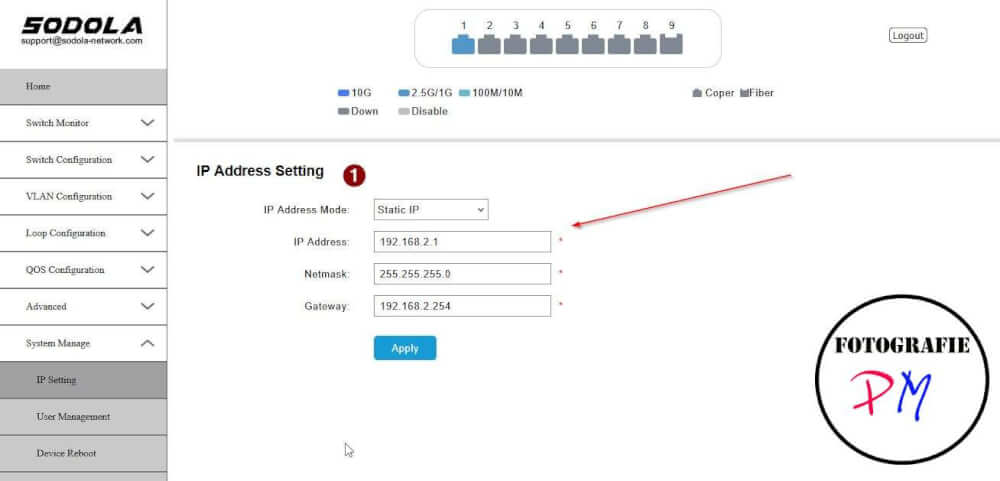
Naturally, both the admin username and password can be changed, and the IP address can also be modified to differ from the default settings. You can even configure the switch to obtain its IP address via DHCP, though as a general rule, you should assign a static IP address to a switch.
VLAN
For this project, my primary focus was on setting up VLANs, which can be configured within the corresponding tab.
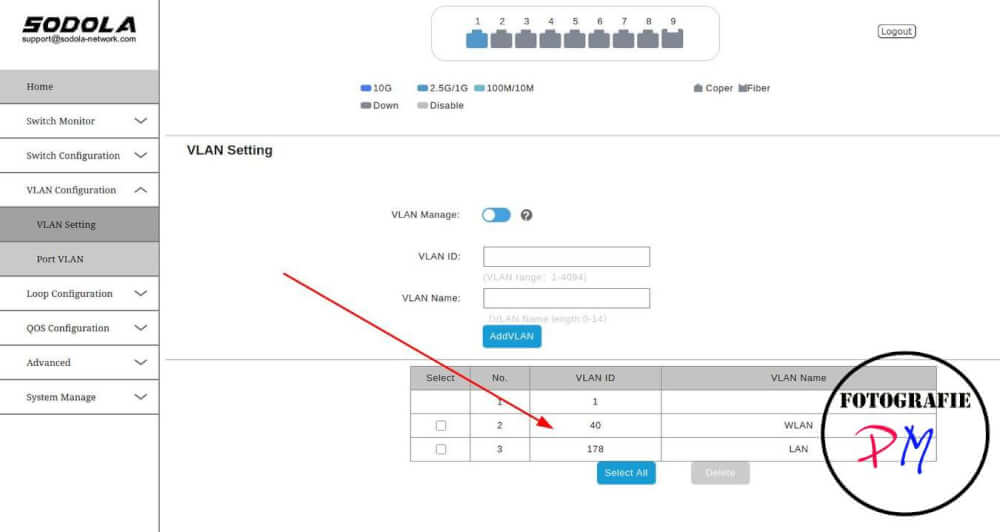
Shown here are two example VLANs: one for the WLAN and one for the standard LAN. This allows you to neatly separate the networks from one another.
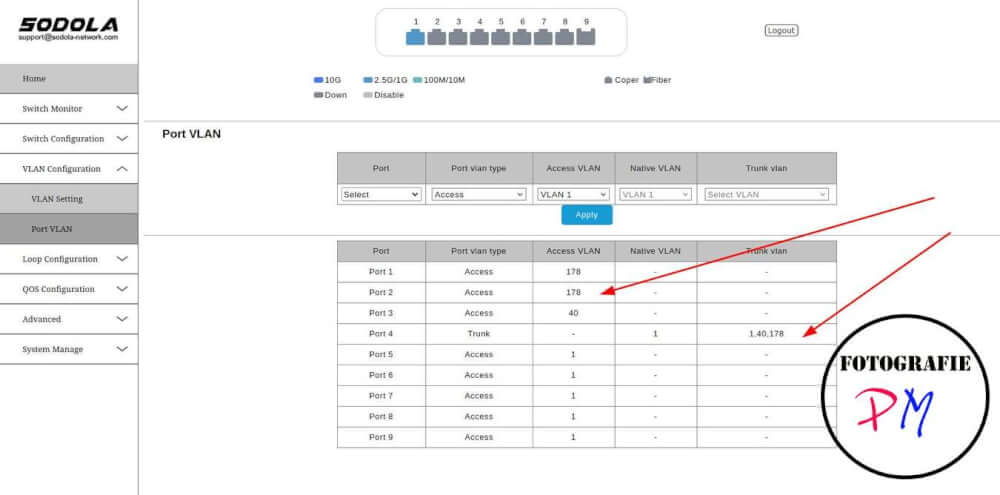
Here, you can see an example of how VLANs are assigned to the various ports on the switch. A minor point of confusion arose here regarding the terminology: this switch uses the terms “Access” and “Trunk,” whereas—for instance—my Zyxel switch refers to them as “Tagged” and “Untagged.” However, the underlying rules remain the same.
Conclusion
The switch provides the features I require—specifically, VLAN support. The only drawback worth mentioning is that the status LEDs for each network port are positioned on the bottom edge; consequently, they are not easily visible when a network cable is plugged in. Additionally, what is missing is a mounting template—along with the corresponding mounting holes—that would allow the switch to be securely mounted in a suspended position.
Ciao, tuxoche


