Lightcraft an alternative to Lightroom?
For a few days now, the community on YouTube and other channels has been intensively discussing possible alternatives to Lightroom and Photoshop. The focus is on Lightcraft and Photocraft. Many describe the apps, which were developed with the help of AI within a very short time, already as a replacement for Photoshop, Lightroom, After Effects or other programs.
Read more: Lightcraft an alternative to Lightroom?Introduction

What has been done here in such a short time – or rather: what the AI has done – is on the one hand impressive, but on the other hand also a little scary. Artcraft offers a total of twelve apps that look at least visually confusingly similar to their models.
Rodes were Lightroom Classic, Photoshop CC, After Effects, Premiere Pro and Word as Excel, which were rewritten here with AI, so to speak. All projects, including Lightcraft, are also published on Github , so that the code can be checked in the sense of OpenSpource.
I aslo recorded a short video about Lightcraft:
Open source and available on multiple platforms
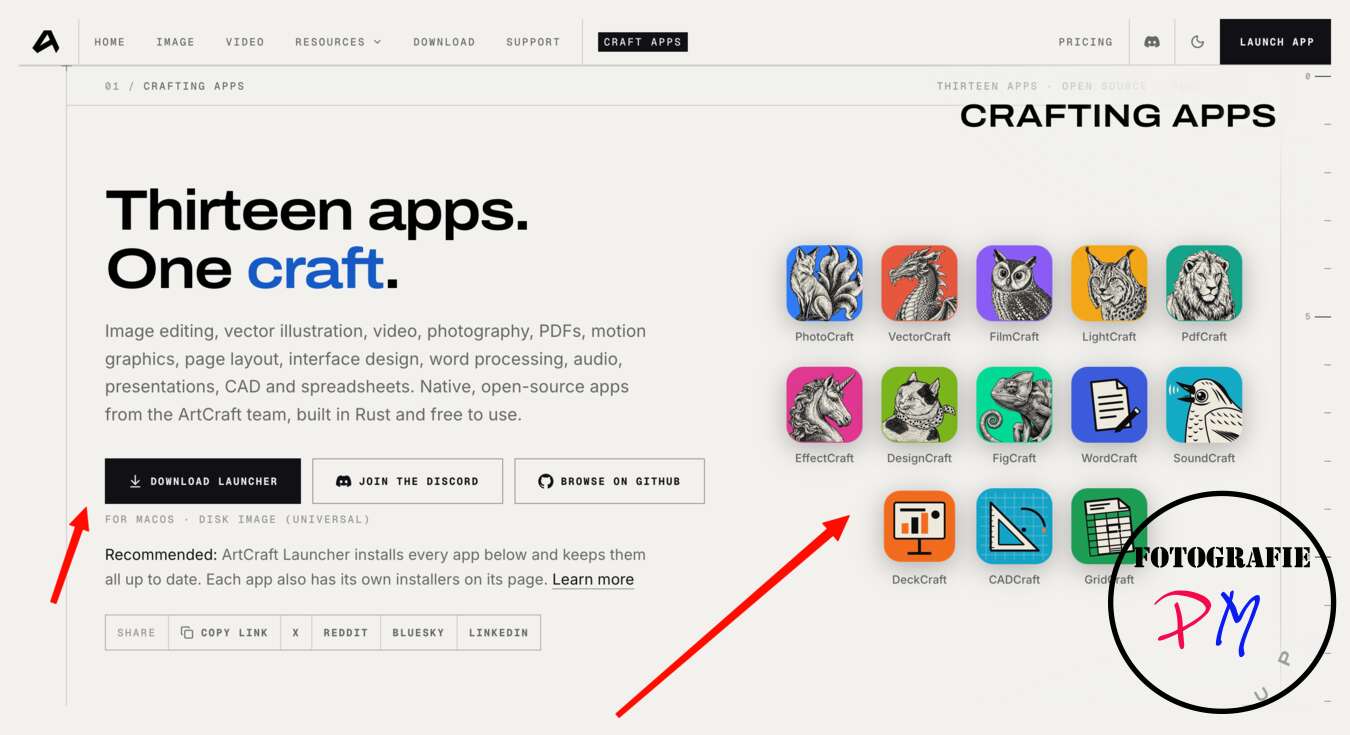
A positive point is that the apps are open source. The individual projects are on GitHub, so interested parties can view the source code. Those who are familiar with the Rust programming language used can also check whether there are possibly hidden hooks.
Another advantage is not only that the programs are free, but also that practically all of them are available for macOS, Windows and Linux. In addition, they can be used in the browser. Of course, that sounds very interesting. Especially the ability to use a Photoshop or Lightroom clone on Linux is tempting.
So let’s take a closer look at the whole thing.
Installation and first impression
The interface of Lightcraft can be downloaded via a launcher. I noticed that the Lightcraft app has now reached version 0.6.0, while version 0.9.0 is already offered for installation via the launcher. There may still be a lack of uniform version management here.
When you start Lightcraft, you immediately feel reminded of the surface of Lightroom. In many areas, the programs actually look confusingly similar. However, this effect already existed at the presentation of Rapid Raw, about which I have also already written several articles. Rapid Raw is also available for Linux.
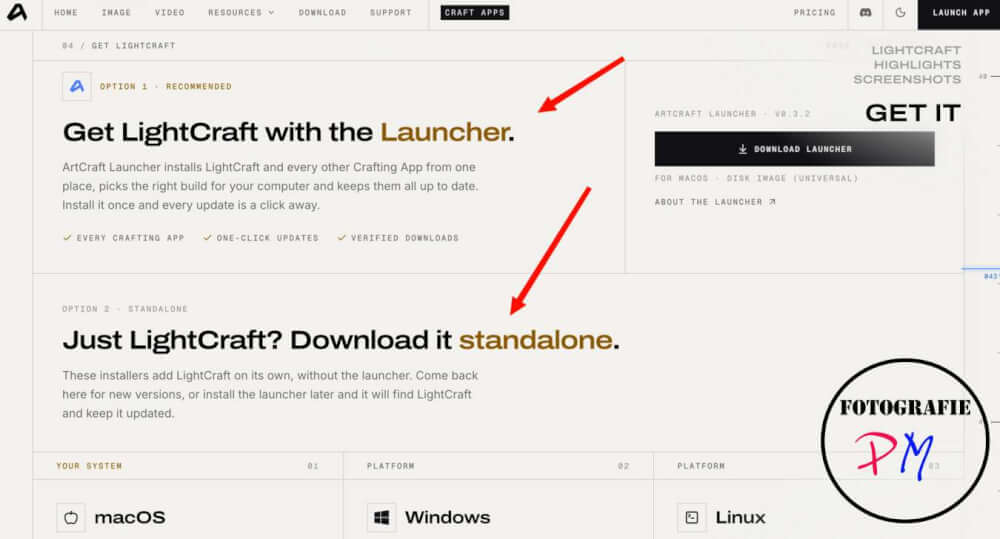
I didn’t compare with Photocraft, the Photoshop alternative, but focused solely on Lightcraft as a Lightroom alternative.
All apps are relatively small and start very quickly. This should be an advantage, especially on a weaker laptop. You can also find your way around the interface quickly, because the essential editing functions sit where you know them from Lightroom. However, some functions are still missing, for example presets and the camera presets. The latter are only generally available, but not camera-specific.
Developing RAW files compared to Lightroom
Let’s start with the basic development of some RAW files. In this case, I used recordings with the Lumix S9 or the Lumix S5IIX.
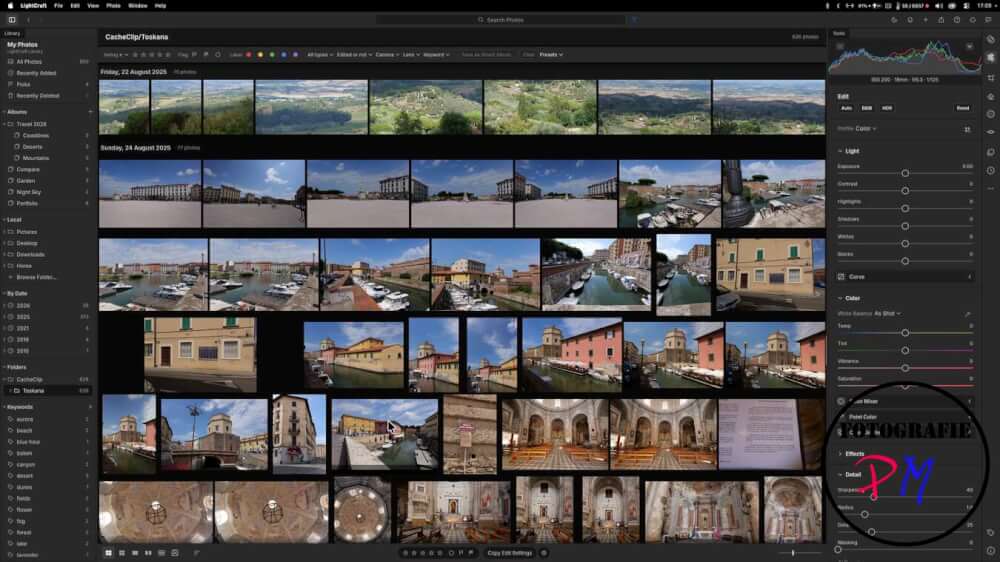
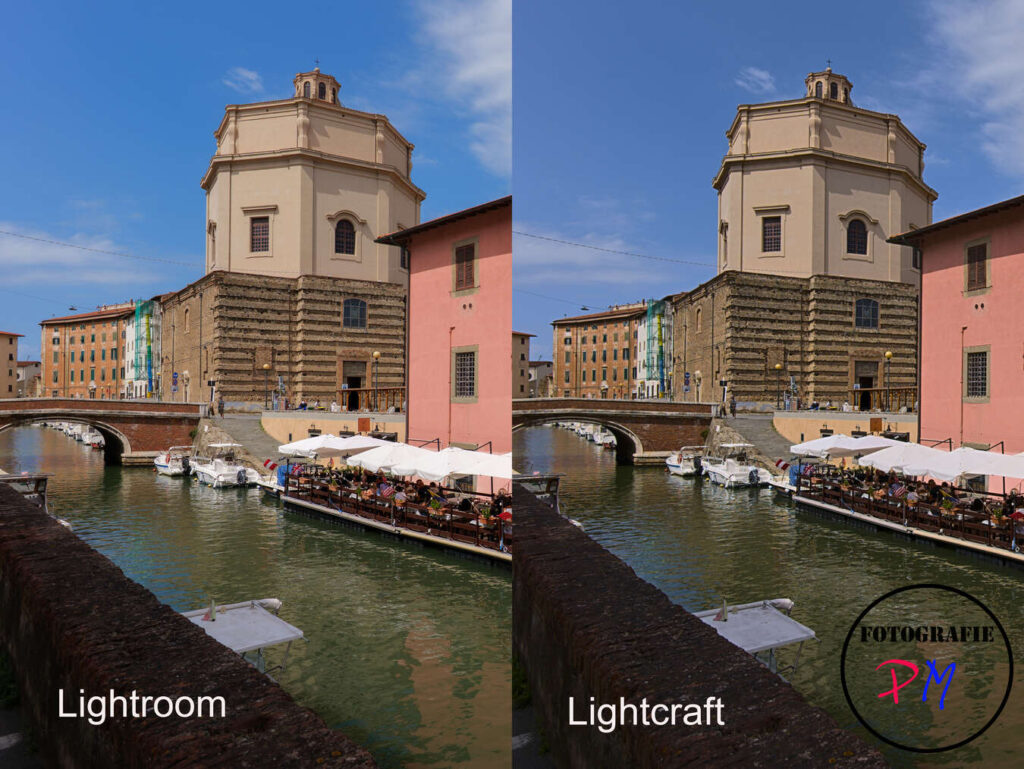
Even when loading, you notice that the rendered images in Lightcraft on a 4K monitor look much more blurred than the display in Lightroom. This raises the suspicion that possibly mainly the preview images usually embedded in RAW files are processed and less the actual RAW data.
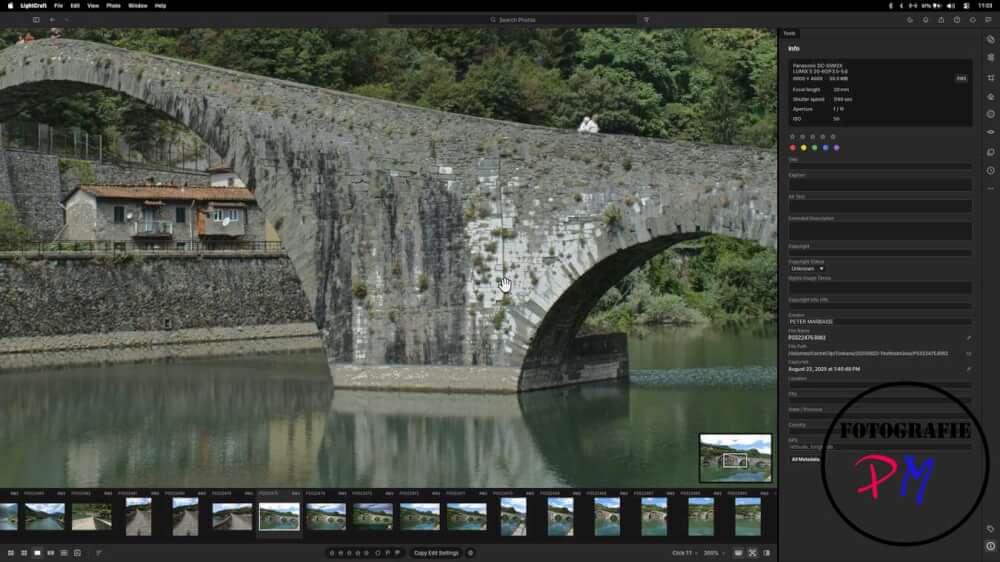
However, I cannot judge this question conclusively on the basis of this comparison between Lightroom and Lightcraft alone.
One thing is certain, however: Apart from color deviations, which can generally occur with different RAW converters, because they interpret the color information of a RAW file differently, there are also significant differences in sharpness. This will be visible at the latest when you put the full-size exports from Lightcraft and Lightroom side by side – just like I did here.
Comparison with older RAW files
One might now assume that the differences are due to the fact that the RAW support for the Lumix cameras is not yet fully implemented. After all, both the Lumix S9 and especially the Lumix S5IIX and their RAW files are still comparatively new.
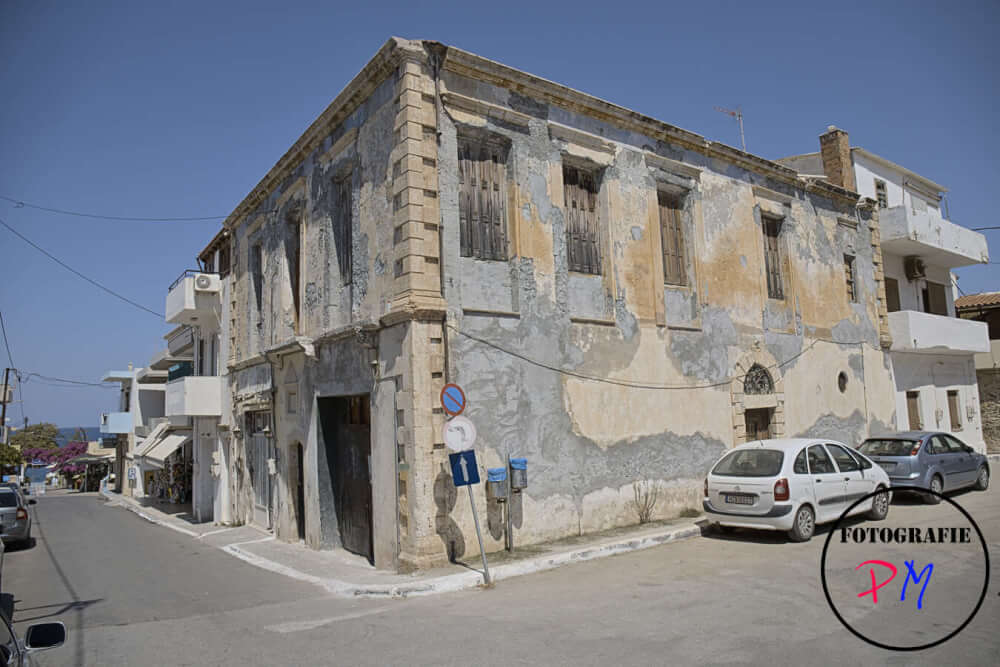
That’s why I made the same comparison – without wanting to make a comprehensive test – also with RAW files or recordings of the Canon 6D Mark II. This camera is much older and is no longer in my possession.
With these files, the effect is not quite as pronounced, but the difference remains relatively large.
Masks and local adjustments
Of course I also experimented a little with masks. For example, a sky mask is available. However, the transition between sky and landscape shows a very clear edge. As a result, stronger contrast adjustments can hardly be used sensibly, because the resulting halos then become very noticeable.
It was also not possible to defuse the edge as in Lightroom with a now available blur effect (feather). Alternatively, similar to Photoshop, you could use a gradient mask to reduce the effect in the finished image. However, a corresponding possibility to combine masks with each other via an intersection setting (Intersection) is available in Lightcraft.
Is Lightcraft already a replacement for Lightroom?
All in all, it must be stated that Lightcraft cannot be seen as a replacement for Lightroom, at least at the moment. In my opinion, even the basic representation of a RAW file does not work satisfactorily in terms of sharpness, contrast and similar properties. Not to mention the other tools.
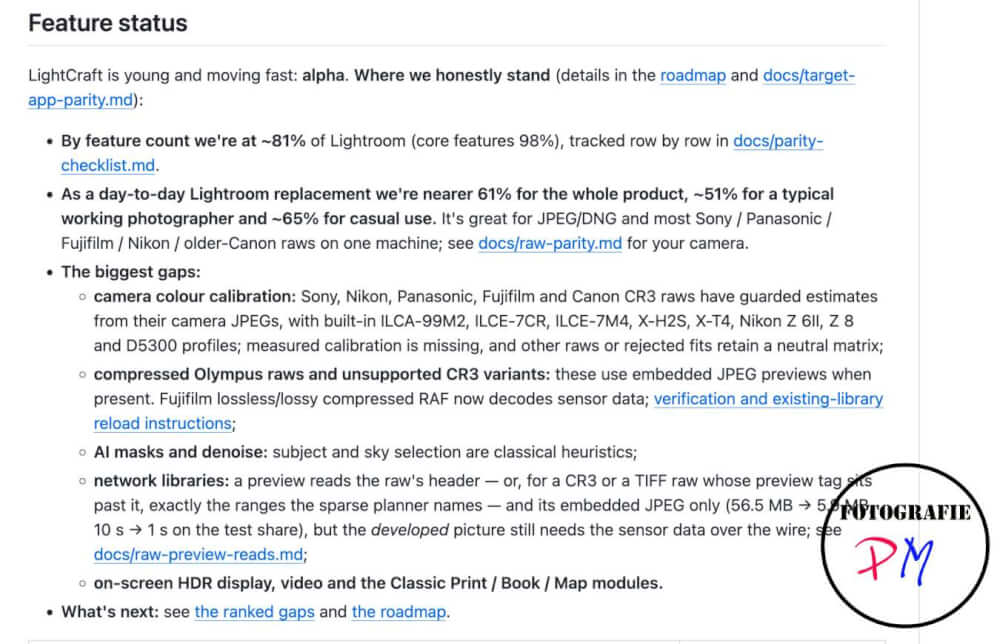
With smaller image formats, as they are common in social media, for example, the differences may hardly be noticeable. However, if you work with a view of 100 percent or even 200 percent, they become very clear. Particularly striking are the pronounced edges between light and dark areas as well as an additional light stripe that can arise there.
Open source as an opportunity – and possible legal issues
It is nevertheless praiseworthy that there is an open source alternative with Lightcraft, which is still in an early stage of development. Hopefully the project will be further developed.
At the same time, the question arises to what extent Adobe, but also Microsoft, will easily accept such a replica of their programs. After all, many functions were implemented in a very similar way and the surfaces are strongly oriented towards the originals.
The source code was not simply copied, which is why a direct copyright infringement cannot be automatically assumed. Nevertheless, it is difficult for me to imagine that the large corporations will easily ignore this development. You have to expect that the apps will get better over time and may actually get some users to switch to the alternatives. However, it is not possible to deduce from this alone whether and what legal steps could arise from this.
How easy is it to switch from Lightroom?
One more point should not be forgotten: When switching from Lightroom to another application, the problem arises that the development settings are stored in the Lightroom catalog. These edits cannot be easily transferred.
It’s not just about each RAW converter interpreting settings differently. An exposure compensation of +5 or a saturation setting of +10 can yield a different result in another program. It becomes even more difficult with masks and other complex edits, which are now also stored in the corresponding Adobe files.
That’s why I would be careful to simply call Lightcraft a clone. The similarity of the interface and the functions alone does not mean that existing Lightroom workflows can be easily adopted.
Conclusion
From the user’s point of view, this development is generally to be welcomed. It is positive if alternatives to comparatively expensive programs arise and are available on multiple operating systems.
Lightcraft is currently not yet a full-fledged replacement for Lightroom. In my opinion, there is still a significant need for improvement in particular with the image presentation and the editing options. Nevertheless, the project remains interesting – precisely because it is open source and can still develop further.
I have also dedicated a follow-up article to Rapid Raw, which I also link at this point.
ciao tuxoche


