First look on DxO Photolab 10
The last study with DxO Photolab took place with the Version 4 and that was some time ago.
Read more: First look on DxO Photolab 10Introduction

The last time I tried DXO Photolab was I think to version 3 or 4. But a few weeks ago, DXO himself came up to me and asked if I would not be interested in trying out DXO Photolab 9, which I of course said yes. In between came the beta of the DXO Photolab 10 version, which is also publicly available when this blog post is published.
I also recorded a video:
Why DxO Photolab
My basic interest in DXO Photolab is of course that it has already integrated the purge routines that DXO PureRaw offers and also that you have recently seen more and more videos on YouTube, for example, which Lightroom Classic at the spot with DXO Photolab 9 or now just version 10 I cannot yet allow myself such a judgment that I could only try out DXO Photolab both in the 9er and
So I don’t know yet if and to what extent DXO Photolab fits into my workflow. What I can already say is that the individual correction files that are downloaded, which are also specially tailored to the respective camera and lens combination, seem to fit very well. And depending on the subject, you also get the impression that the exported image looks a little clearer and sharper than the same image exported from Lightroom.
New version 10
But that’s not what it’s about, but it’s about DXO Photo Lab 10. Of course, the improvements compared to the new version include practically all modules. So I personally had the impression that, for example, the entire AI masks are a bit more precise and also react faster. Whereby this is in the nature of the matter that it cannot be true for all masks.
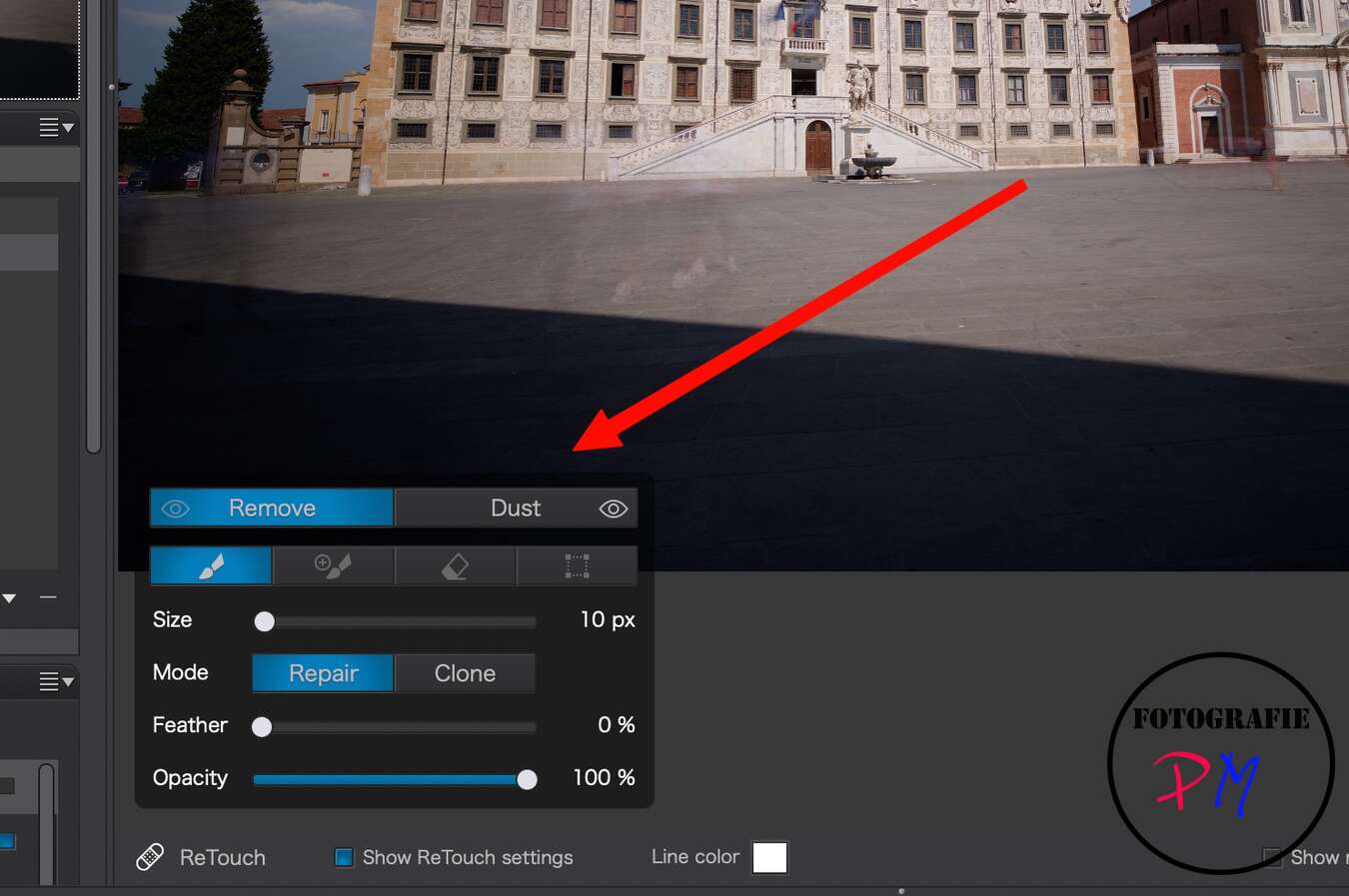
A small, but really significant change now is that you can automatically detect dust spots on the sensor in the details in DXO Photolab and you can even increase or lower the sensitivity of this detection, depending on the subject. In any case, this saves the work of manually correcting the dust stains that every digital photographer has to deal with.
But a new AI mask is really worth a first and second look, depending on the motif, namely the so-called deep masks. Here, an area is masked based on the determined focus distance in the image. This means that you can mark areas separately by foreground, middle and background and then edit them separately. This works very, very well, as I think, and the possibilities that result from it, unlike the other masks, are certainly diverse.

In any case, you can also combine the masks if necessary. For example, in any case such a deep mask in the classic tester of landscape photography in addition, for example, with a linear gradient filter for the lighter parts of the sky.
Conclusion
Of course, you can’t expect any earth-shattering news or features here at DxO, but the new depth mask and the automatic dust detection make everyday life a little easier.
If you are interested in DxO Photolab, you can either download a trial version or take the risk of giving you a 15% discount with my code TUXOCHE
cuiao tuxoche


