Luminar Webaccess browser based image processing
Use Luminar for free in your browser? With Luminar Web Access, Skylum offers an interesting way to edit RAW files directly online.
I was able to try the browser-based image editing in a beta version and show you which functions are available for free and where the limits lie.
Read more: Luminar Webaccess browser based image processingIntroduction

This is Luminar Web Access. In principle, similar editing functions as in the desktop or mobile version of Luminar can be used directly in the browser. To do this, the image, usually a RAW file, is uploaded to the website. Subsequently, various editing options are available, with which the RAW file can be edited and the finished result can be exported.
And of course the functions are reduced in the free version, but all manufacturers do that.
I also recorded a video:
Try the beta version
I had a beta version available, so that changes could still result, and I also assume continuous development.
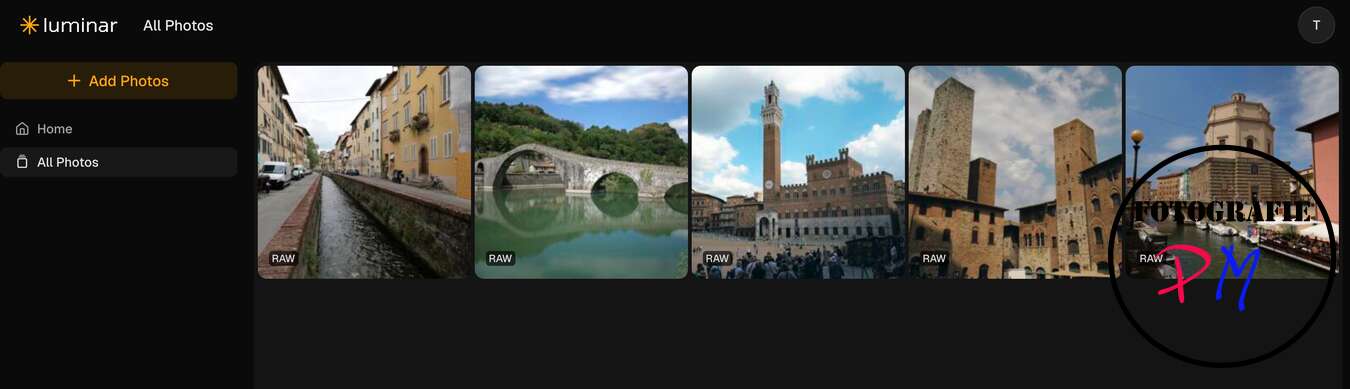
In addition to the usual editing options such as exposure, contrast and the like, there are also other functions. These include, for example, the removal of haze, the replacement of the sky and a special light mask, with which the light conditions in the RAW image can be subsequently changed.
AI functions only in the licensed variant
As a limitation, however, I have to say that the free version does not contain the possibly most interesting AI tools. In addition, the storage space for uploaded images, which can be edited afterwards, is limited to 100 MB. This is probably more for those who only want to take occasional photos and do not want to edit their shots too often. If I take my Lumix cameras as a benchmark, the free space is already exhausted with about four RAW files.
But what is the advantage? You can already get an idea of the possibilities offered by RAW editing. This applies regardless of the fact that the AI functions for which Luminar is particularly well known are not available in the free version.
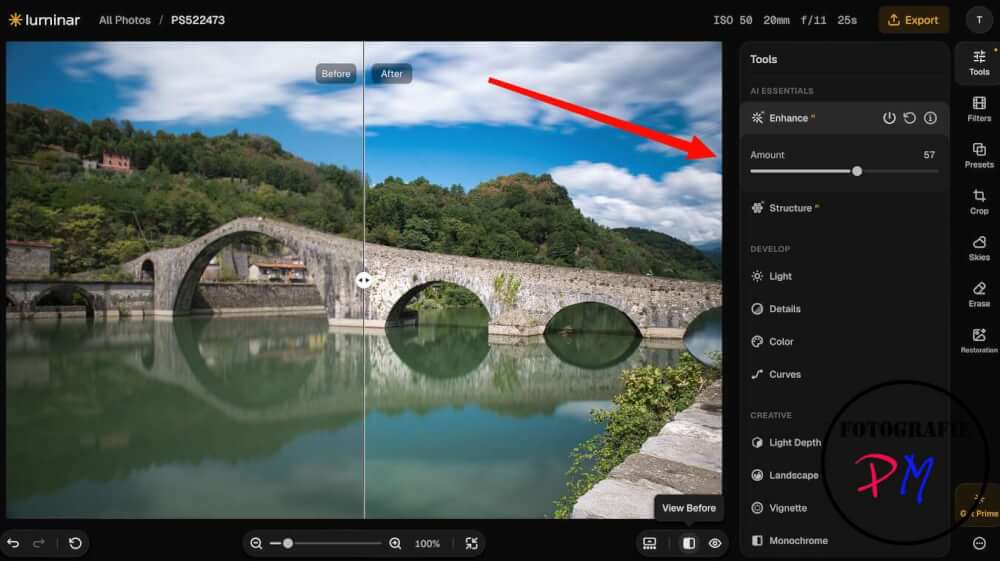
But also the paid version is relatively inexpensive at 69 euros. It unlocks the AI functions, including, for example, the replacement of the sky. As a result, these tools can also be used directly in the browser.
Of course, Luminar Web Access is still in its beginning. I have not been able to discover some functions so far. These include, for example, the depth mask and associated possibilities for the subsequent design of the bokeh. These were not yet available in the Web Access version.
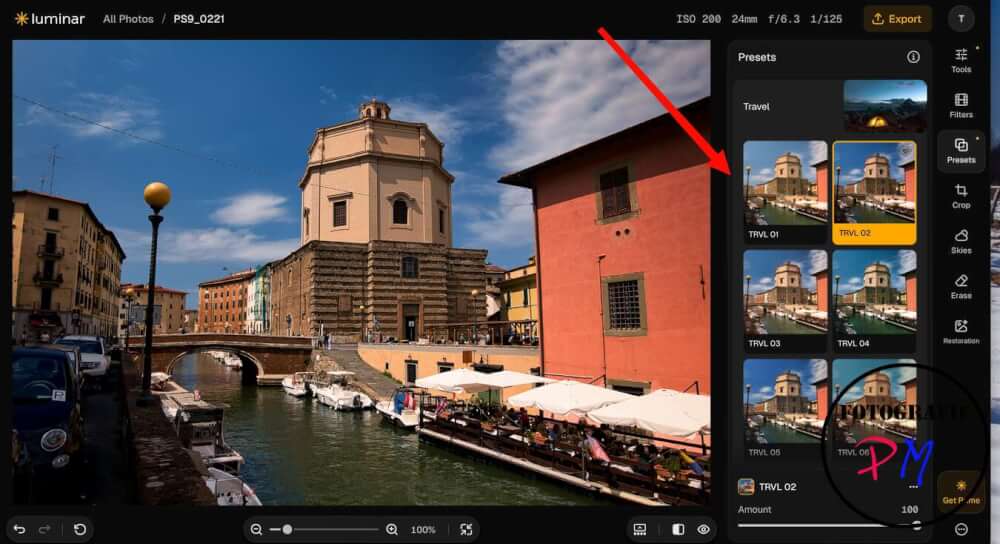
Landscape or architecture photos, on the other hand, can already be edited very well with the free version of Luminar Web Access. The finished images can then also be exported to common formats such as JPEG and TIFF.
Simply try it out
If you are interested in it, you are welcome to try Luminar Web Access and see for yourself how well the browser-based editing already works. Then you can still decide whether you want to purchase a full version via the following link or buy Luminar for the desktop, for example.
What do you think about this web version in the comments?
ciao tuxoche


