DxO Photolab 10.1 released
Last week, DxO released the Photo Lab 10.1 version, which brings an important new feature.
Read more: DxO Photolab 10.1 releasedIntroduction

I already introduced the DXO Photolab Version 10 a few weeks ago with your extension, e.g., for automatic removal of dust spots or the depth masks that have now been added as a further mask. The differences between the version 9 of Photolab 9 were already enormous. The beta version I was given already had a button at the proinenter level for exporting an image to Affinity. This has finally landed in the official version.
I also recorded a clear Vidseo video about this:
Further development
Last week, the development was presented. This essentially includes a direct export to Canva Affinfinity. In principle, of course, an export, for example via the Tif format, is possible in any other photo editor.
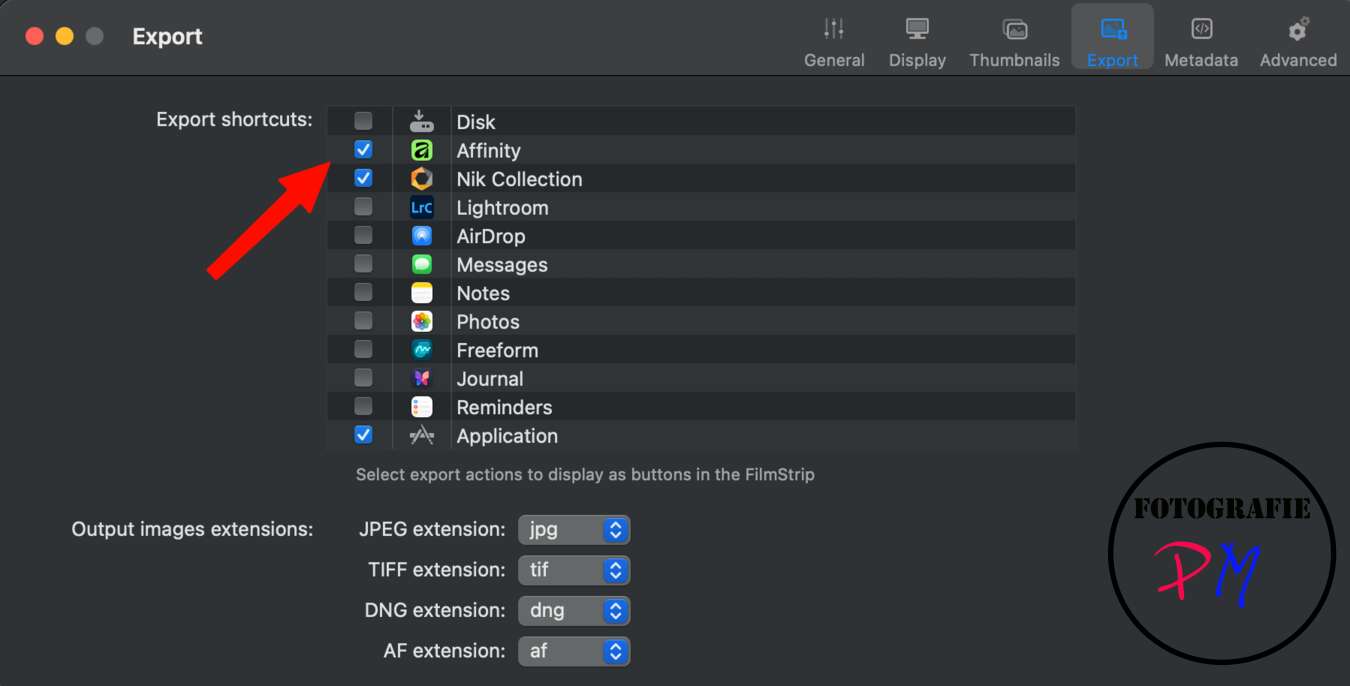
But here DXO has ensured that when exporting a photo, it is exported into the native Affinity format, including all possible corrections that have been made, for example in Affinity or Photolab.
Export
The export is relatively easy and can be activated through the settings menu and then Affinity will launch in the background. All edits can then be made there, including for example the layers, and the image will then be saved in the original folder of the RAW file. This means it is then available for future adjustments.
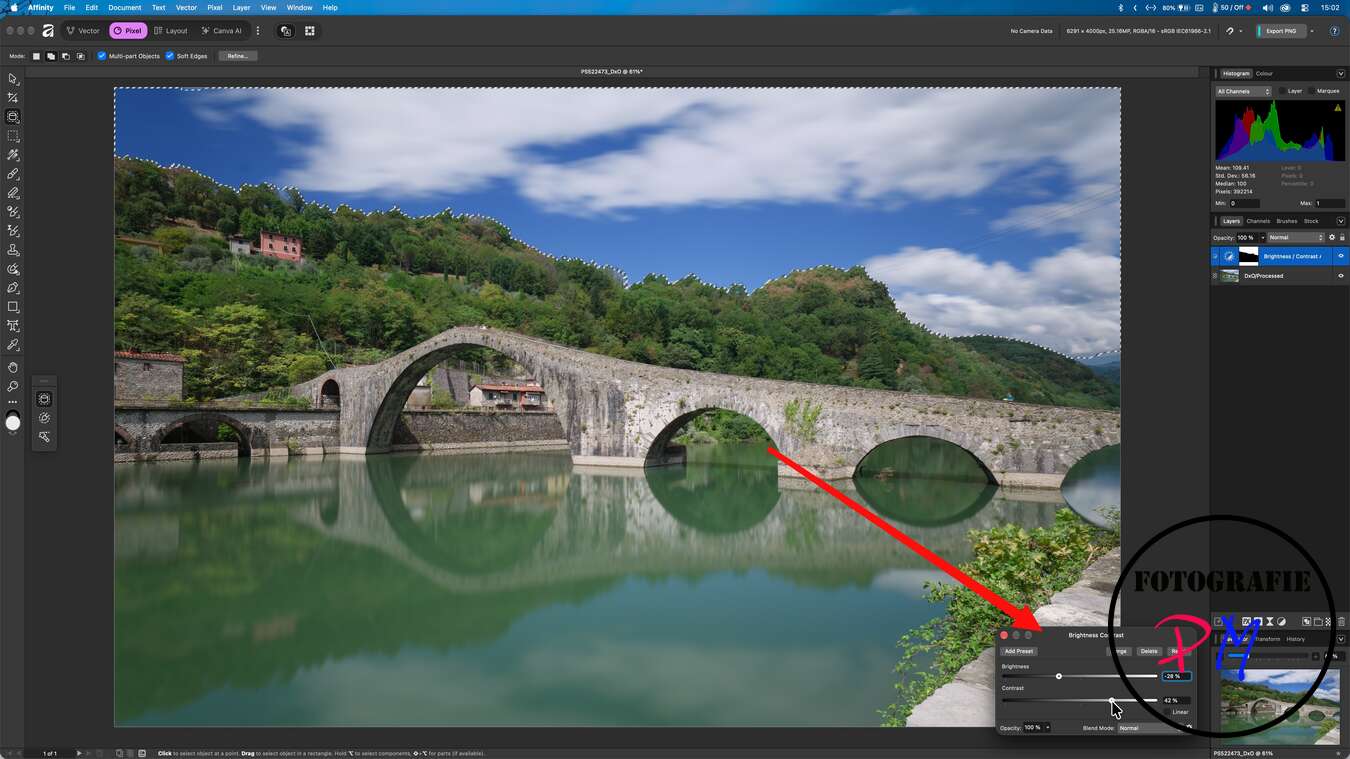
Affinity is basically free if you can forgo the AI features, so you just need to register with Canva to download the program either in the Windows or Mac version.
If you need the corresponding AI functions for Affinity, you still have to subscribe to a paid subscription.
Status of integration
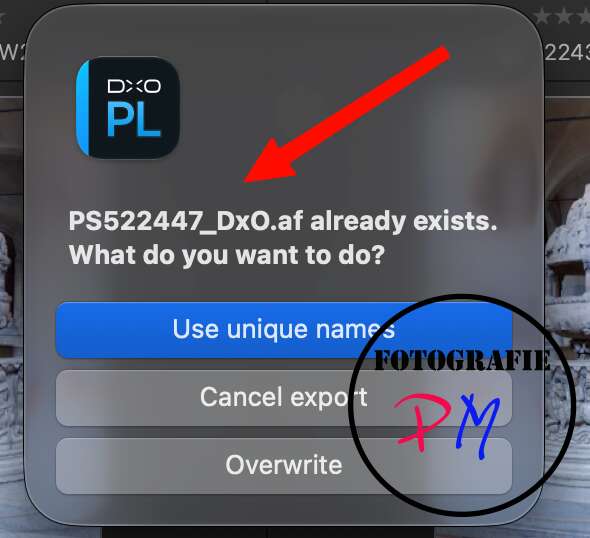
The integration was successful, although there are two minor criticisms here. In my opinion, if you already support a format like Affinity Native in this case, the resulting file should at least be displayed with a placeholder in the Photo Library.
However, the affinity files are not displayed there at all, but that when you want to edit something there, you have to go directly through Finder/Explorer and open the corresponding AF file.
The files are usually also relatively large. So, for example, a 24 megapixel main image can quickly become a file with a size of about 200 to 300 MB. However, this is not really that bad in principle, because you do not need the special features, especially the layers, on every image, and the DxO Photolab also provides excellent mask options.
The new version Photolab 10.1 is a free update that is available for both Windows and Mac.
Conclusion
DxO Photolab 10.1 is just a small update, but the integration of Affinity even for people who need to add text or entire layouts, even for those who need layers and further editing features, doesn’t leave any more wishes open in my opinion.
Anyone who relicenses DxO Photolab 10 (but also other products) will receive 15% off with the code TUXOCHE, however not for updates.
ciao tuxoche


