iPad Air again but with M4 CPU
After now four years, my old Apple iPad Air version four was no longer usable, because the battery practically only lasted three quarters of a day despite a full charge. Aslo had to weas something new here 😉
Read more: iPad Air again but with M4 CPUIntroduction
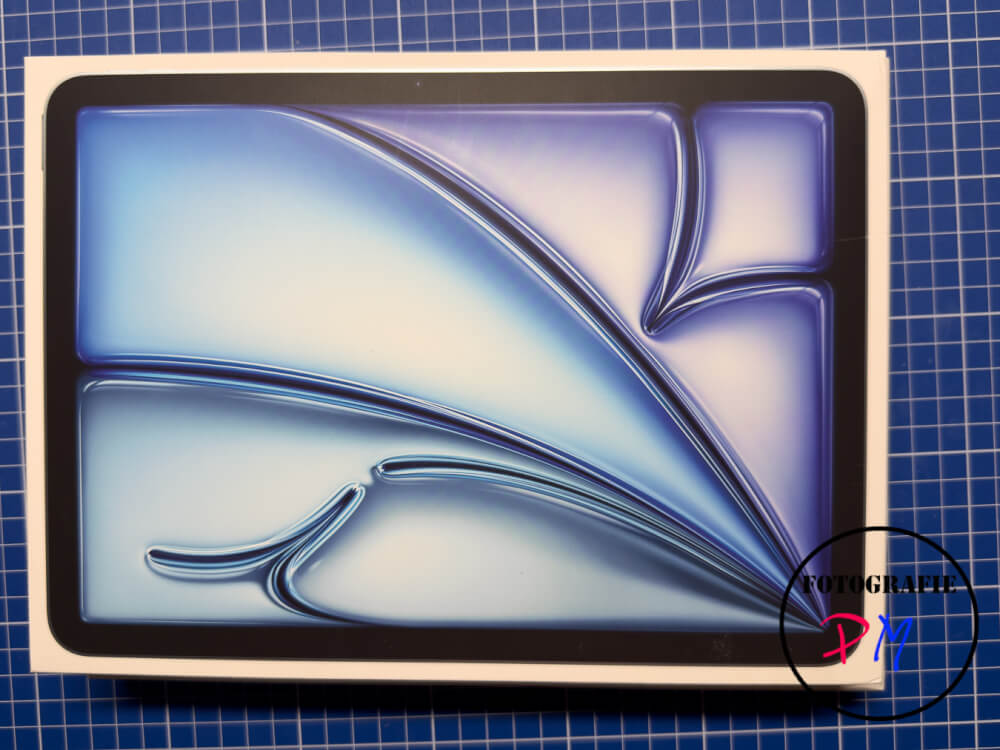
I have decided to do this according to research. This time to stay with the iPad Air again. However, with an Ipad Air with the new M4 processor, which has been out for some time.
From appearance, i.e. Size, so also width of the units on the screen, has done practically nothing compared to the fourth generation. However, the memory has been upgraded internally to 128 GB in the smallest version and thus more than doubled compared to the iPad of the fourth generation. In contrast to an iPad Pro of the same size, the iPad Air is only slightly behind. Here, only the display refresh rate, which is slightly higher on the iPad Pro, and also the connected memory, if necessary, are separated.
Installation
The transfer of the content from the “old” iPad Air to the new one was, as usual with Apple, very easy and took place within a quarter of an hour, so that all settings and also essentially all apps were also available on the new device. As already mentioned, I also bought a Pencil Pro for the iPad mini I got, which I can of course now also use for the iPad.
Performance
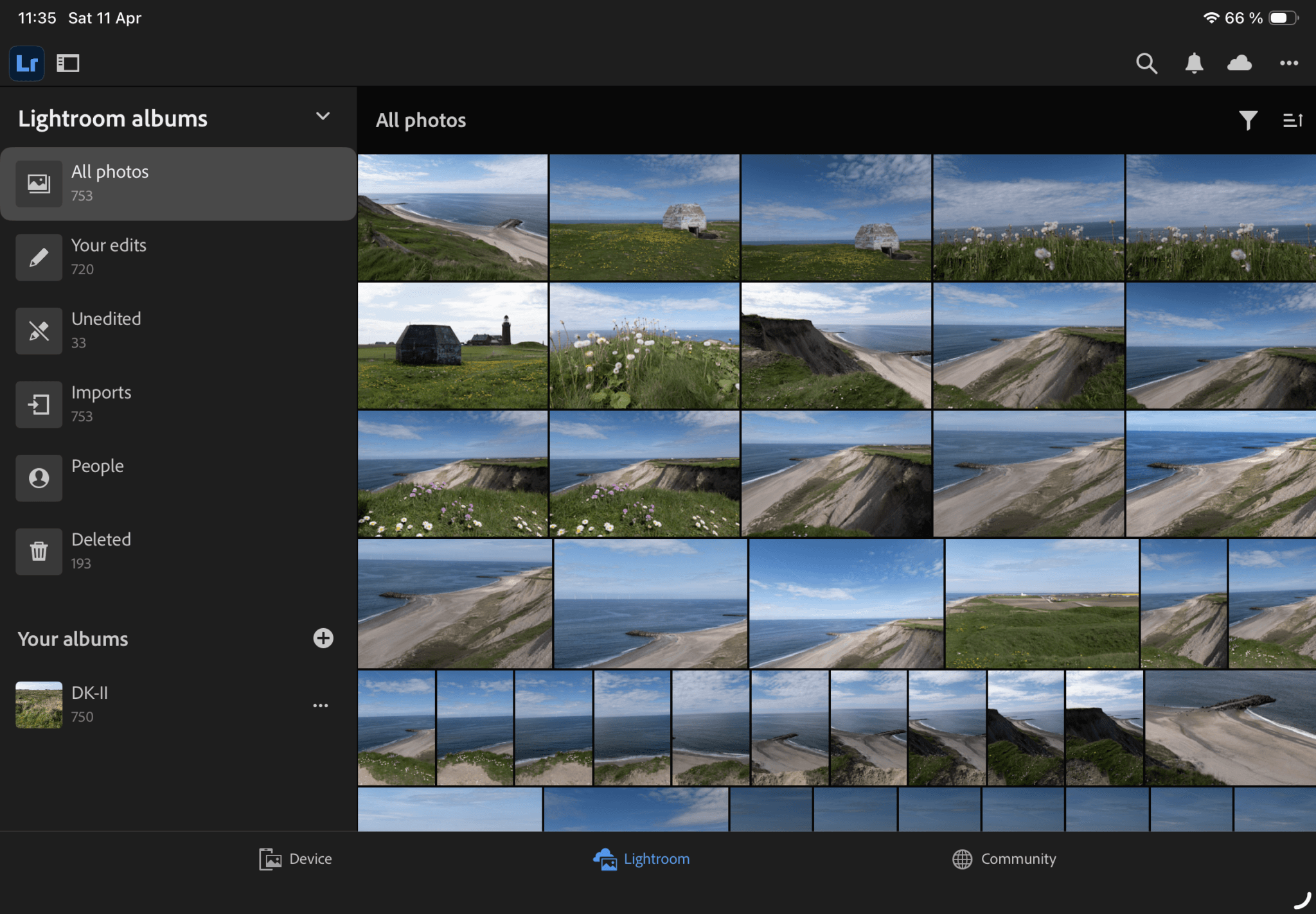
In terms of lace, the iPad Air is of course in the foreground here, because, for example, when editing photos with Lightroom, it’s a little faster if certain corrections are made to the sky, the motif and so on. Of course, the actual synchronization to the cloud has nothing to do with the performance of the process, but is exclusively a matter of the Internet connection.
Magic Keyboard
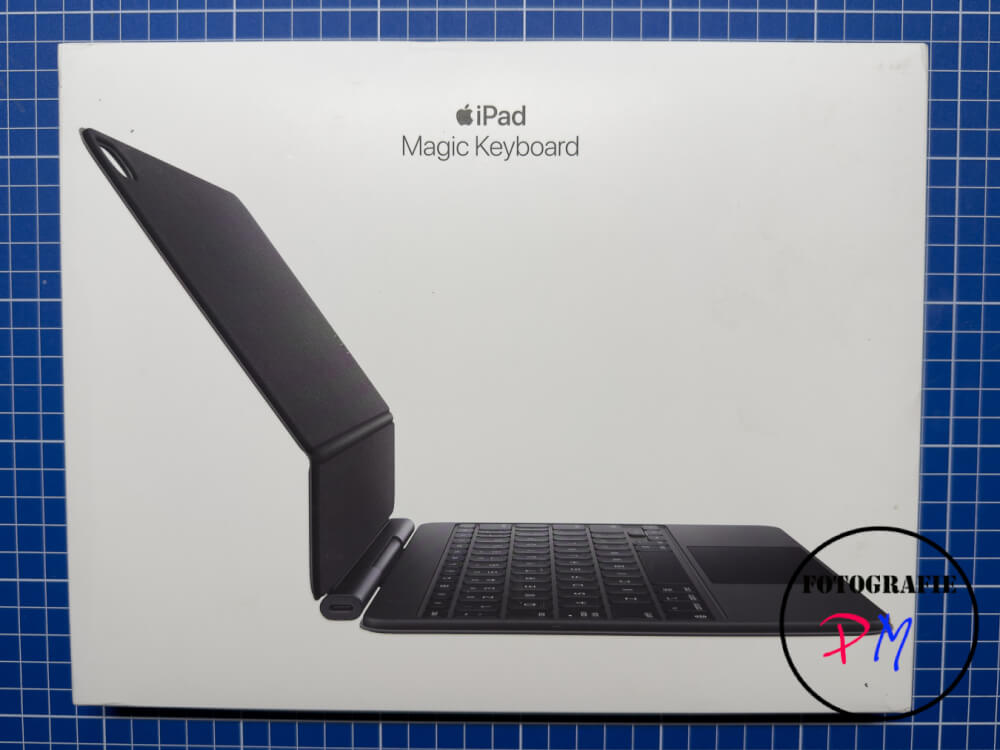
At the same time, however, because I had already tried different external keyboards for an iPad, this time I really decided on the expensive version, namely the Magic Keyboard to match. This is very nicely done because you can hang the iPad Air in here. It has a contact angle like a laptop and, for example, you can also type relatively smoothly on the keyboard. I also like the trackpad very much, because it can either replace the pen, but in any case behaves like a mouse, so that other options are closed here.
What is less nice, what I had to find out the last few days is that the surface of both the actual keyboard and the surface of the keyboard, when you have folded it, is relatively sensitive to fingerprints. The question remains how quickly you can remove them or how well you can remove them. And of course, as considered over a longer period of time, for example from two or three years of use, this is then reflected in the appearance of the Magic Keyboard to the outside life.
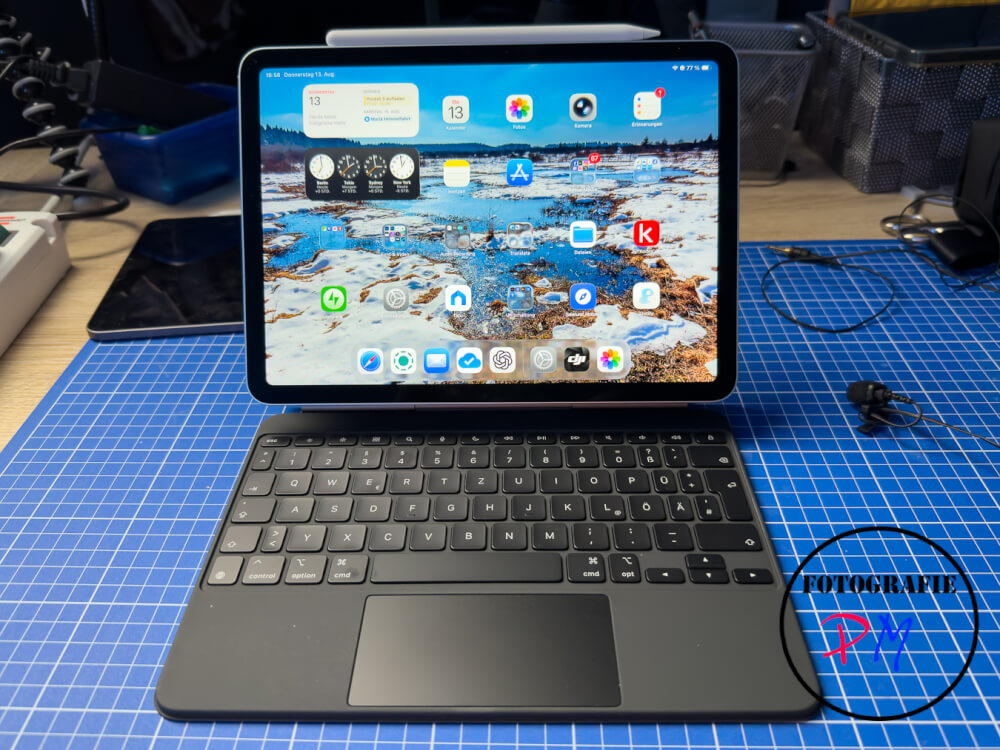
The combination with the Magic Keyboard and the iPad Air M4 is also relatively difficult. It was only allowed to reach the weight of a MacBook. However, which then includes a complete operating system, the operating system iPad OS remains essentially a tablet operating system, although Apple has done a lot about it in the past. Nevertheless, I want to try to do some things like writing, of course of notifications, but also, for example, of blog articles and so on, here on the iPad. Which should not be a problem in terms of performance.
Conclusion
Conclusion remains that the combination between the iPad Air and the Magic Keyboard actually facilitates daily work and the angle of attack was chosen very reasonably, so that you can handle the device here as with a laptop. Nevertheless, of course, the reality is preserved. To release the tablet itself due to the magnetic holder and, for example, to use it only as a tablet.
ciao tuxoche


