Clouds on Linux with Nextcloud and Onedrive
Many of us now use a cloud for storing files, especially for photos. With this, the files are photos and so on, then available on all devices for the corresponding clients for the cloud.
Introduction
But I host the Nextcloud instance myself here on my Proxmox virtual environment. In addition, I also have a OneDrive Cloud with a terabyte of storage space as part of a Microsoft Office license. Other cloud systems such as Dropbox and so on, which only offer between five and 10 GB in the free version, I have given up in the meantime.
But if you have a server running anyway, setting up the respective clients on the different systems is no problem. However, you have a client running on every system, and then the data from the cloud is synchronized here.
While that with the NextCloud that I use here on average 10-15 GB is not so much the big problem is this with the OneDrive Cloud, which I at least with between 150 and 200 GB receipts actually wasted storage space.
I recorded a video about it:
NextCloud and Onedrive
With Nextcloud, in addition, especially under Windows the so-called virtual files never work properly and always cause problems, so that here per client and here we talk about Windows Linux and also MacBook Client have to keep the corresponding storage space available.
But since I run some network drives via Samba anyway, what is there to provide these cloud services within the internal network even once with the corresponding storage space.
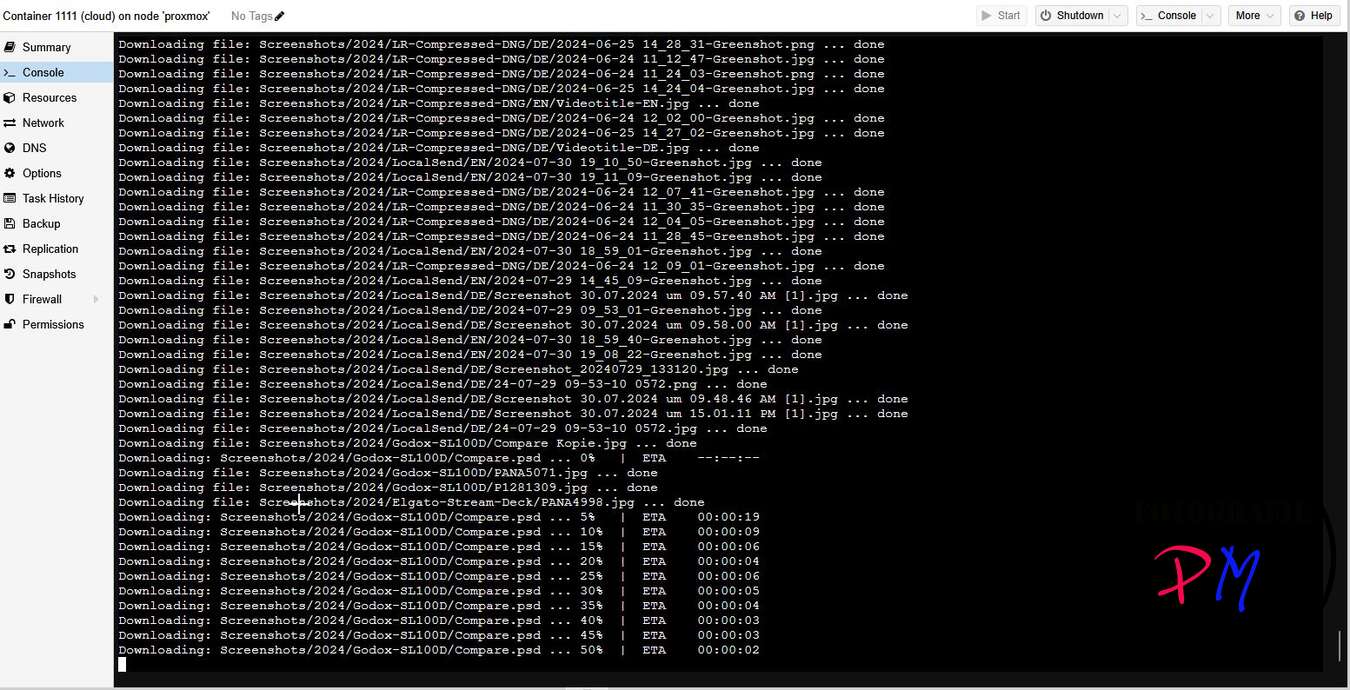
For Nextcloud there is for Linux, a native client and for to stay with the example. OneDrive, Github has a corresponding project with which the various Linux systems can also synchronize the content of the OneDrive Cloud.
The installation and configuration of the NextcloudCMD client is very easy, as it is available in most distributions or the corresponding package managers.
Onedrive
With OneDrive it is a little more complicated, but thanks to the detailed documentation of the setup process on Github also no problem.
The only experience I have had is that it can be useful, if you have already occupied a larger part of the cloud storage space on OneDrive, to back it up from a Windows client and to play this backup back to the Linux client. At least during the initial synchronization, I had a lot of error message that communication with Microsoft OneDrive would not have been possible.
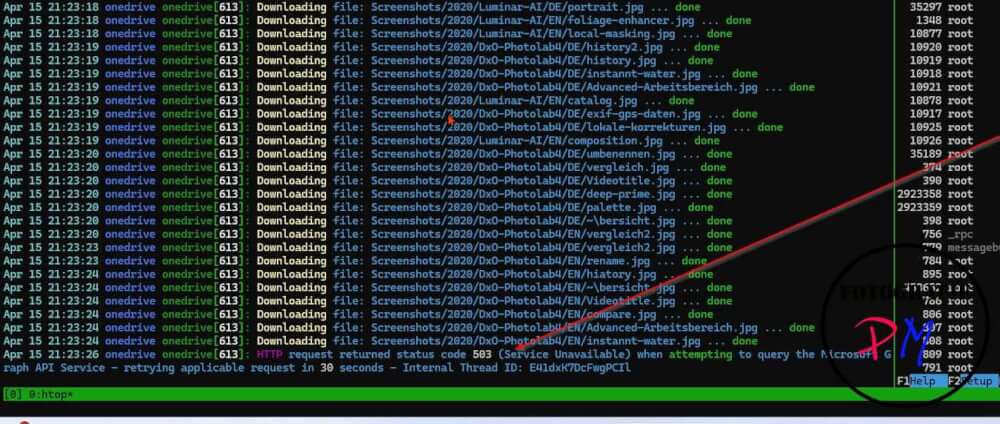
However, if this setup is successful and also the first synchronization, you only have a server on which Nextcloud and in this case OneDrive Cloud content are synchronized. And the easiest way to make this content available to everyone is via Samba, so that of course Windows Client Linux Client and Mac systems can also get access to it.
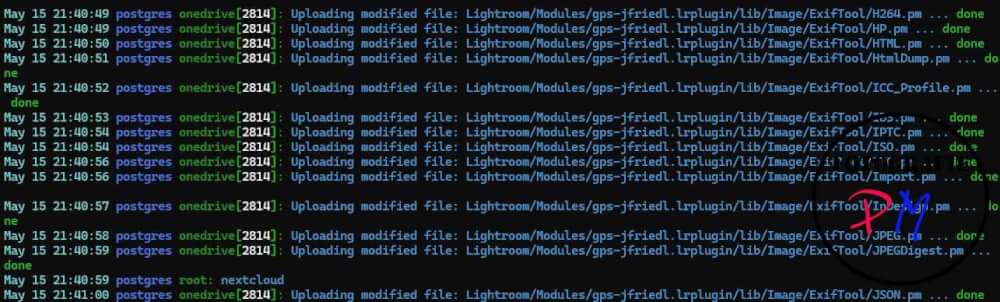
Then you just have to decide whether you work with the monitor option on OneDrive and in the case of Nextcloud create a small script that checks every few minutes if there is something to synchronize. This can be defined with time flow or with the tool inotifywait.
Conclusion
In any case, I have provided my cloud storage system, and the space is needed exactly once. The only exception I make here is with the MacBook Pro because you need the data here even if you no longer have access to the home network.
Ciao tuxoche