Efficient data backup of photos and videos on the go
The Therma data backup of photos and videos was already discussed here in the blog, but some conditions have now changed for some users.
Introduction
 Today’s article is about backing up images and, of course, video clips while on the move, for example on smaller trips or on vacation. My first recommendation is still to have several SD cards, which are then used one after the other in a rolling manner, without immediately formatting SD cards removed from the camera. This is saved until it is again the SD card’s turn, so to speak, and thus ensures that you then have access to older recordings and video clips for a certain period of time – of course this also depends on the number of recordings or video clips.
I recorded a short video on this:
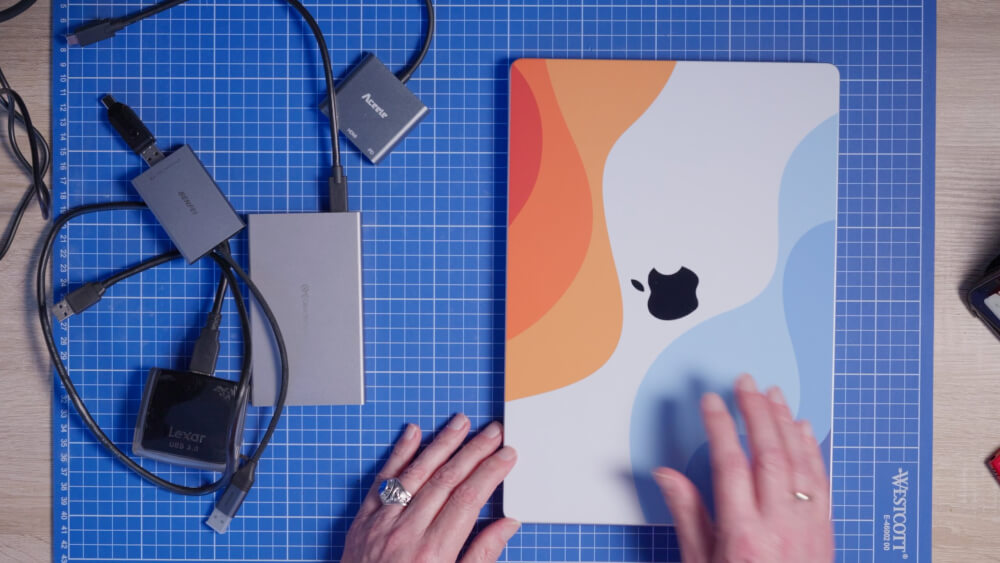
All-rounder laptop
Otherwise, the first intermediate backup or for an initial backup is of course always a laptop, relatively ideal, regardless of whether it is Windows or Mac, with which you can then temporarily backup the recorded images and video clips from SD cards as well as other media. The tip with the SD cards only works to a limited extent with newer cameras because they usually only have one SD card slot and now have a CFexpress card as a second slot, which is mainly used for video because of the high writing speeds, but also for fast series recordings.
Smartphone or Tablet
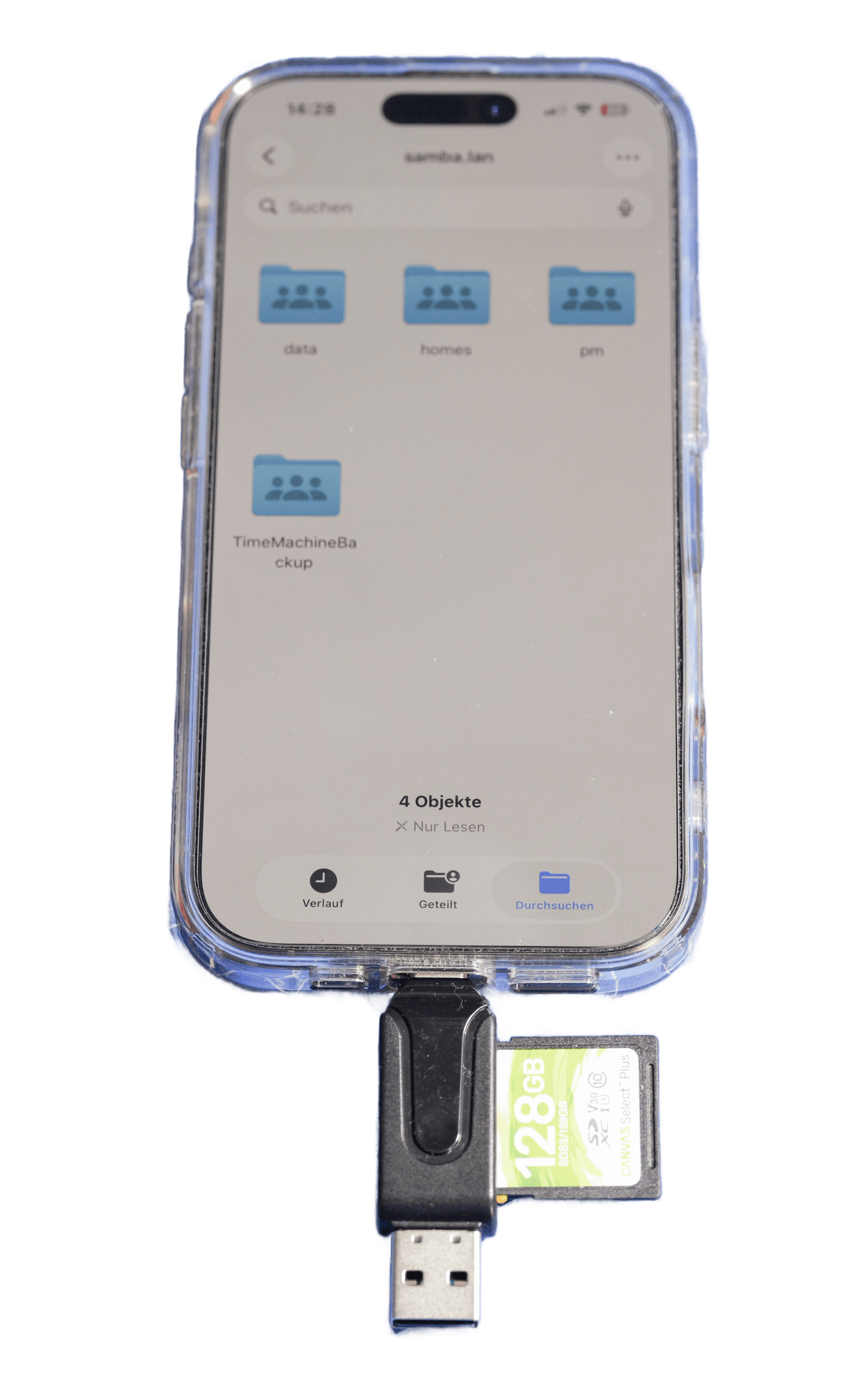 If, for example, you can’t take a laptop with you on a plane trip due to weight reasons, you can easily carry out the first backup with a smartphone or tablet, which you usually have with you either way. Especially with smartphones that have a USB-C port, you can easily connect a corresponding SD card reader, but also of course a CFexpress card reader, and initially cache the images and videos on the smartphone’s internal memory. Depending on the memory capacity of your smartphone, you now have the choice of backing it up externally on another drive after buffering, for example by connecting an SSD drive. I like to use either regular SD hard drives or, for example, the ready-configured SSD drives, such as those offered by SanDisk or Samsung, among others.
Android tablets have a small advantage here because they usually allow “expansion of the internal memory”, for example with a microSD card. If this is of sufficient size, you can of course plan to temporarily backup the videos or photos to this storage.
NVMe SSD enclosure
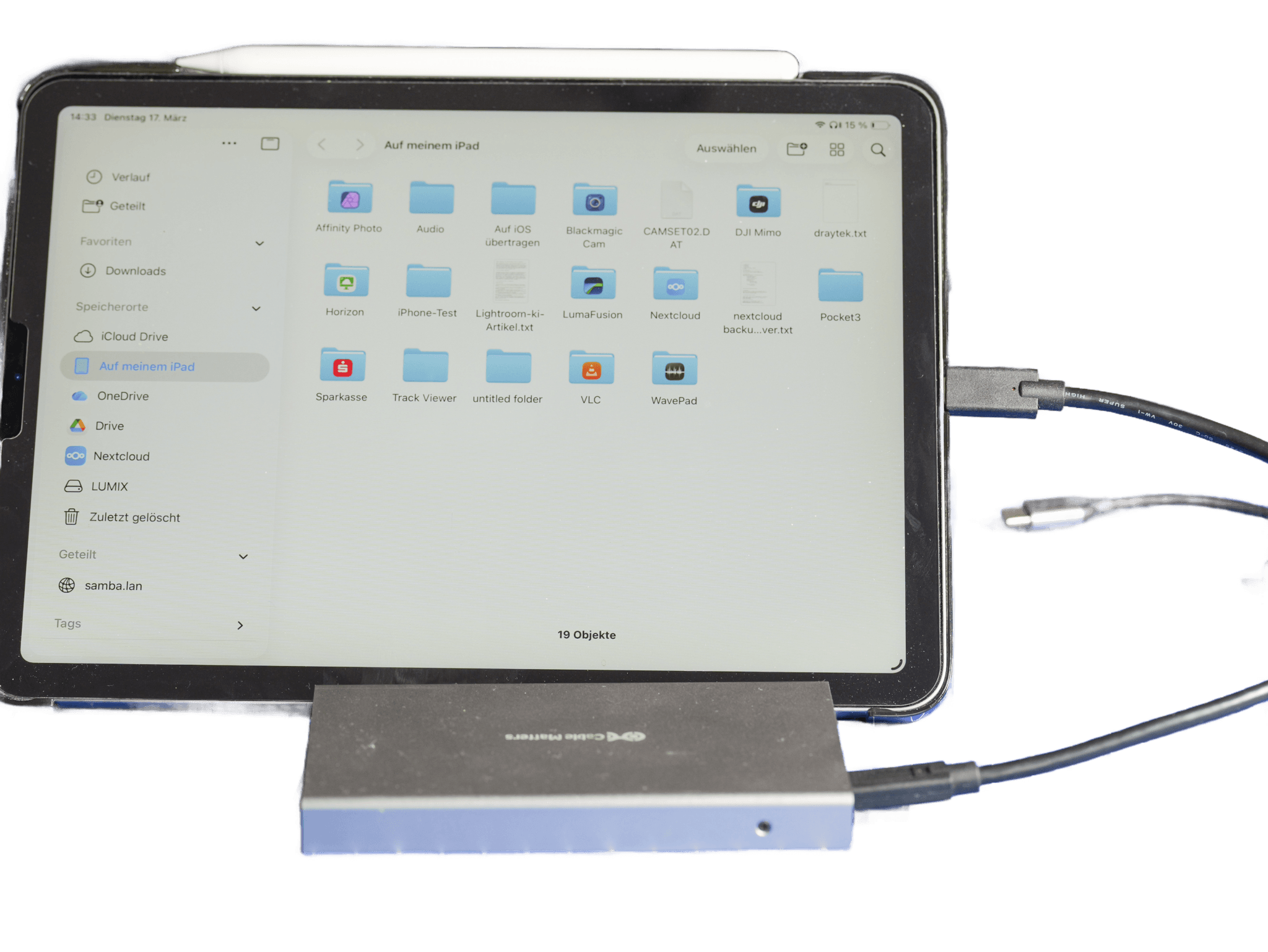
I have also had experience of carrying out backups using an external housing, for example from ICY DOCK, as offered on Amazon, for example, which you can equip yourself with a corresponding NVMe SSD. Depending on the circumstances, it may happen that the drive is not recognized. In my opinion, this is essentially because the drive then wants to draw too much power from the USB-C port. And the iPhone can’t do that, at least as a rule. A kind of mini USB-C dock helps here, which allows both to connect this external drive and to simultaneously supply the device with power via the charger via a USB-C power delivery port, so that slightly more demanding SSD drives can also be supplied here.
Lumix Kameras
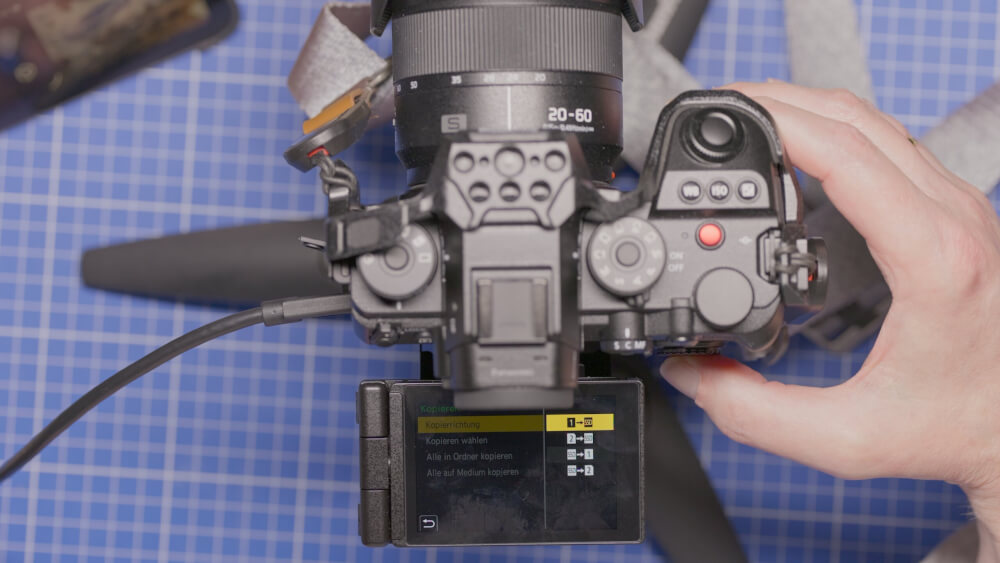
As a final option, I would like to point out that the Lumix cameras allow you to save videos and photos on a connected SSD and since a firmware update, now in the summer, it is also possible to copy the videos and video clips from the internal storage medium, i.e. either an SSD card or CFexpress card, directly with the camera to such an external drive. This is relatively easy to do using the display mode. There is a corresponding option there to trigger this copying.
Conclusion
Even when you’re on the move or traveling, you have various options for backing up your pictures and video clips. And the mobile phone tariffs now also have data volumes that would allow you to save your images in the cloud, of course assuming a good connection.
ciao tuxoche


