Luminar NEO AI Assistant
A few days before Christmas, Skylumg released the beta version of Luminar nEO, which includes the new AI tool. However, since the earliest release date was set for December 22, 2025, there was no window of opportunity for me to publish anything before the end of the year.
Introduction

But first, I hope all my readers had a good start to the New Year 2026. The new version is now available, and everyone can try out the new AI function for image editing. And since the desktop license is currently available for €65.00, it might be worth taking the plunge.
The update will likely change the database, but Luminar NEO offers the option to create a backup beforehand. After that, the new function will be available, with the limitations that an internet connection is required and that this AI function is not available if you are currently using Luminar NEO as a plugin.
I also recorded a video about this:
The KI Assistent
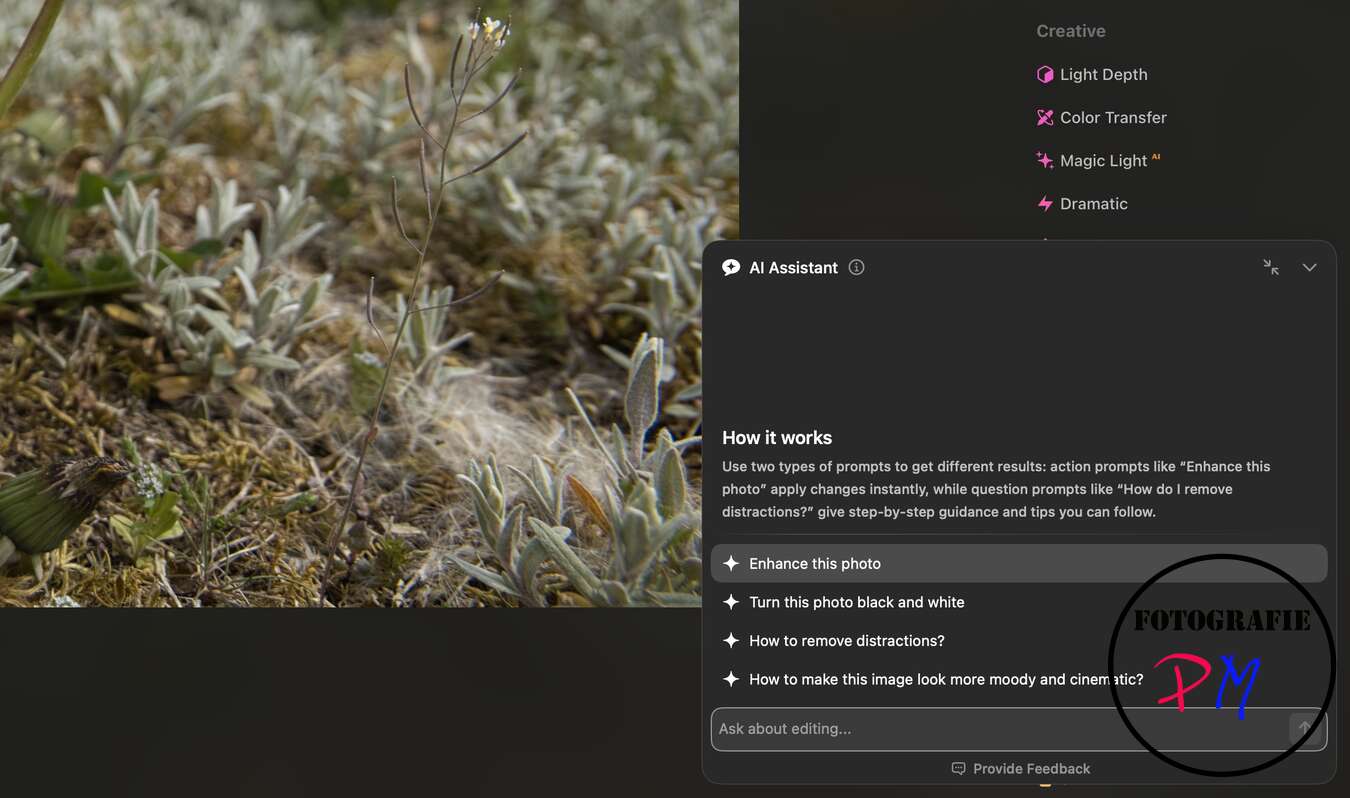
The AI Assistant can be found in the Edit menu in the bottom right corner. Clicking on it provides an explanation of what the function can do and how to use it.
You can basically improve a photo without setting any specific requirements. This is probably the most frequently used option for experimenting. You can also use the assistant to convert the current photo to black and white.
For both options, after analyzing the image, three editing options are suggested, which you can select and, of course, discard.
There are also two more options: how to eliminate distractions in the image and how to develop a more atmospheric and cinematic look. Here, the AI suggests editing steps or tools without actually suggesting a corresponding edited image.
The AI suggests editing steps or tools without, however, providing a sample image itself.
In Practice
Of course, I tried it out with a few images, initially selecting only the “Enhance 2 Image” option.
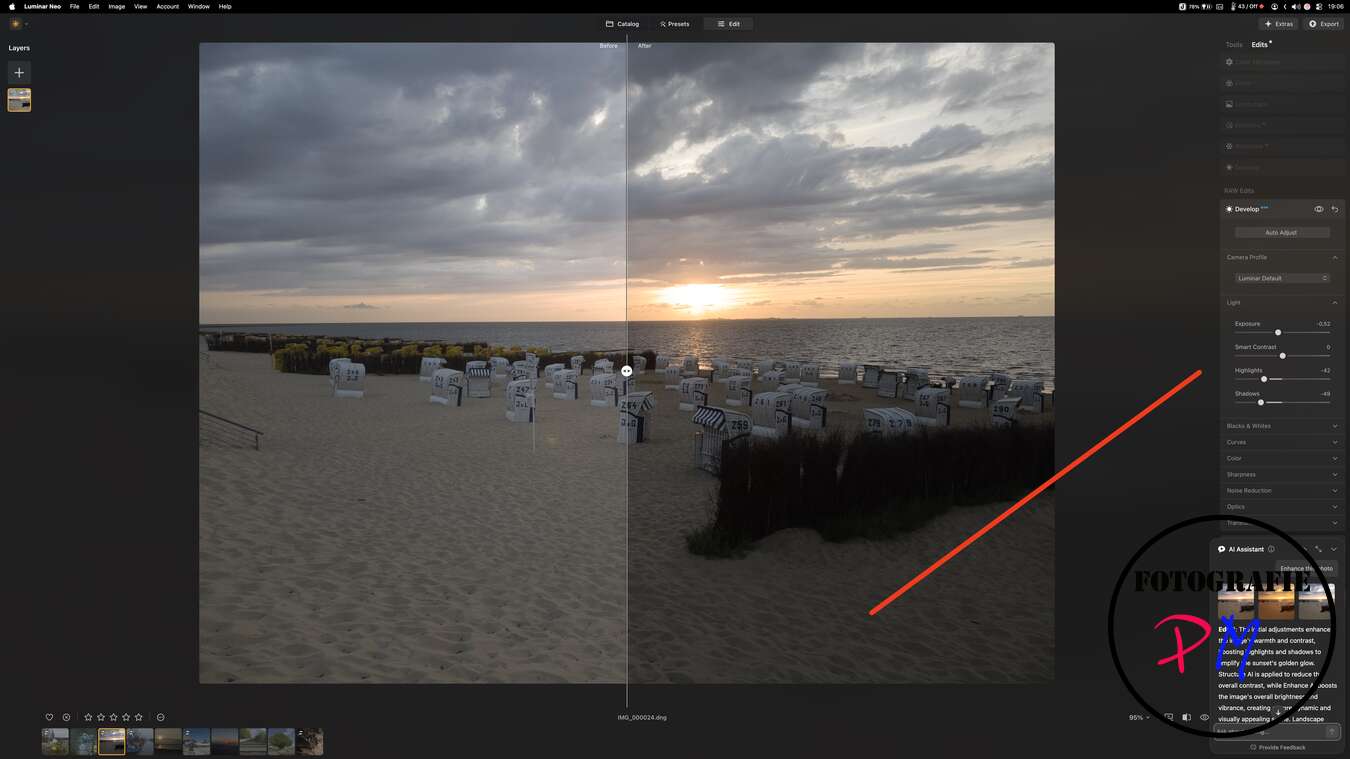
The results were quite convincing, but naturally, there were also some results that weren’t to my liking. It’s important to remember that image editing is certainly influenced by personal taste, and this is the first version of this AI-powered feature.
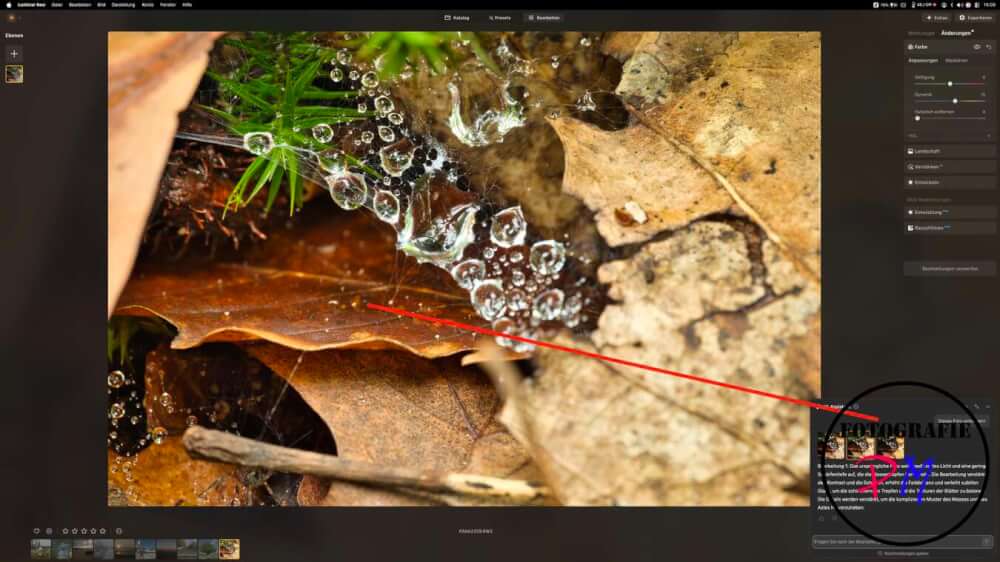
However, I found the implementation very successful, as you can see the changes applied to the image in the “Changes” section at the top after selecting a specific edit. Furthermore, if some of the AI’s edits were too drastic, you can adjust and reduce them.
One thing I did notice, though, is a strange behavior in the list of changes. If there are adjustments in the Landscape category, then later in the Color Temperature category, and even later in the Contrast category, the Contrast adjustment is at the top of the list. If I then want to change something in the Landscape category, I can do so, but the Contrast adjustments aren’t applied. Visible.
Conclusion
The AI assistant delivers quite decent results, and you can use the AI prompt to try and limit certain edits. You might need to experiment a bit. And even though the function works quite quickly for an AI feature, it would ultimately be too time-consuming for me.
Skylum should consider making this feature available to plugin users as well, because I think there are quite a few who use Luminar NEO to complement their workflow.
Incidentally, Luminar NEO is available with a 20% discount from January 14th to 21st, 2026, if you order via this link. During this time, Luminar NEO costs only €64.99.
ciao tuxoche


