In Camera High resolution mode with the Lumix S1R II
At the end of last year, I presented various software solutions that can double the pixel count of images, or in some cases, even upscale them further. This article focuses on the HiRes mode in the camera, which I demonstrated years ago using the Micro Four Thirds format.
Introduction
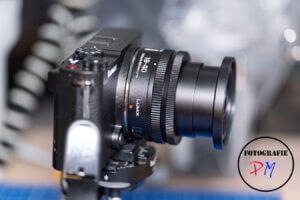
In that previous comparison, I pitted Lightroom Classic, Photoshop, Luminar NEO, and ON1 Photo RAW against each other to see how well they performed at doubling the pixel count, i.e., upscaling. Back then, Lightroom Classic came out on top, and today I’ll discuss how effective a HiRes mode in the camera actually is.
As examples, I’ll use the Lumix S9 and the recently introduced S1R Mark II. The Lumix S9, with its 24 megapixels, produces images with 96 megapixels, while the S1R Mark II produces images with 176 megapixels. Lumix cameras have supported this mode for quite some time; I even conducted a comparison with the Lumix G9 back then.
I recorded a video of the process:
Procedure
I took the photos with both cameras using a tripod, even though both cameras support HiRes mode in Mode 2 for handheld shots. For comparison, I then took a RAW image of the same scene at the camera’s normal resolution, also using a tripod.
Here’s a comparison with the Lumix S9:
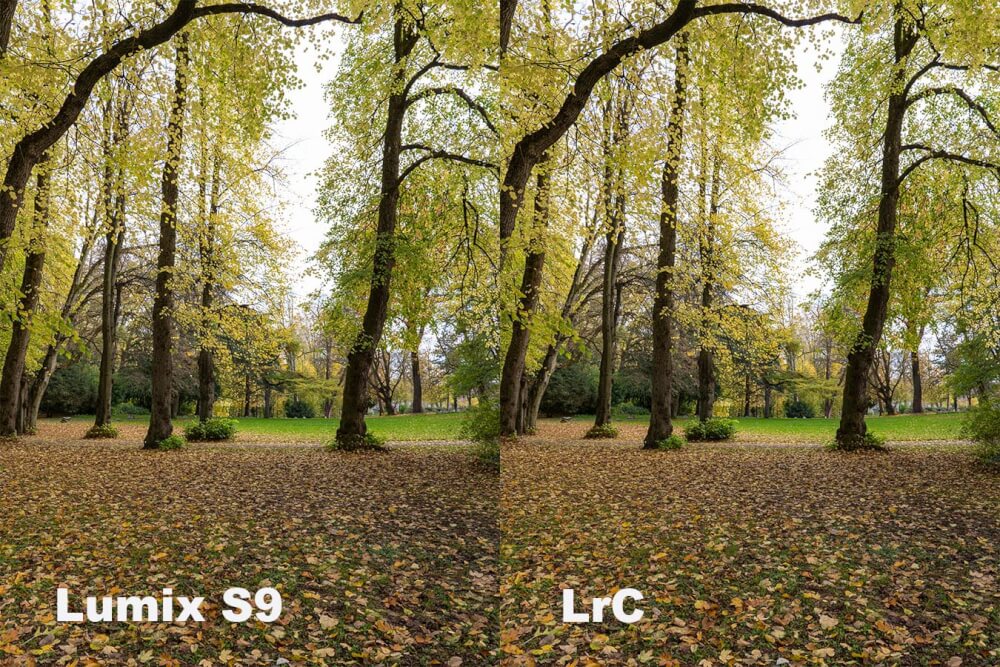
Looking at the image at 100%, the differences are very subtle, but the software method is slightly better.
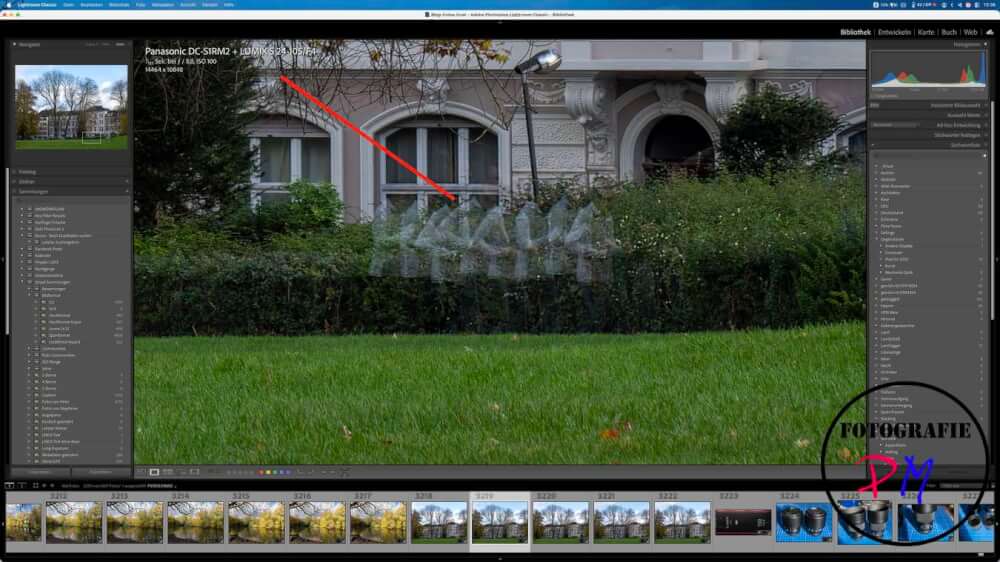
For this mode, the camera takes eight shots using pixel-shifting, which are then combined into a single RAW image, at least in the case of the Lumix cameras. If you’re not careful with moving objects in the frame, these kinds of errors can occur.
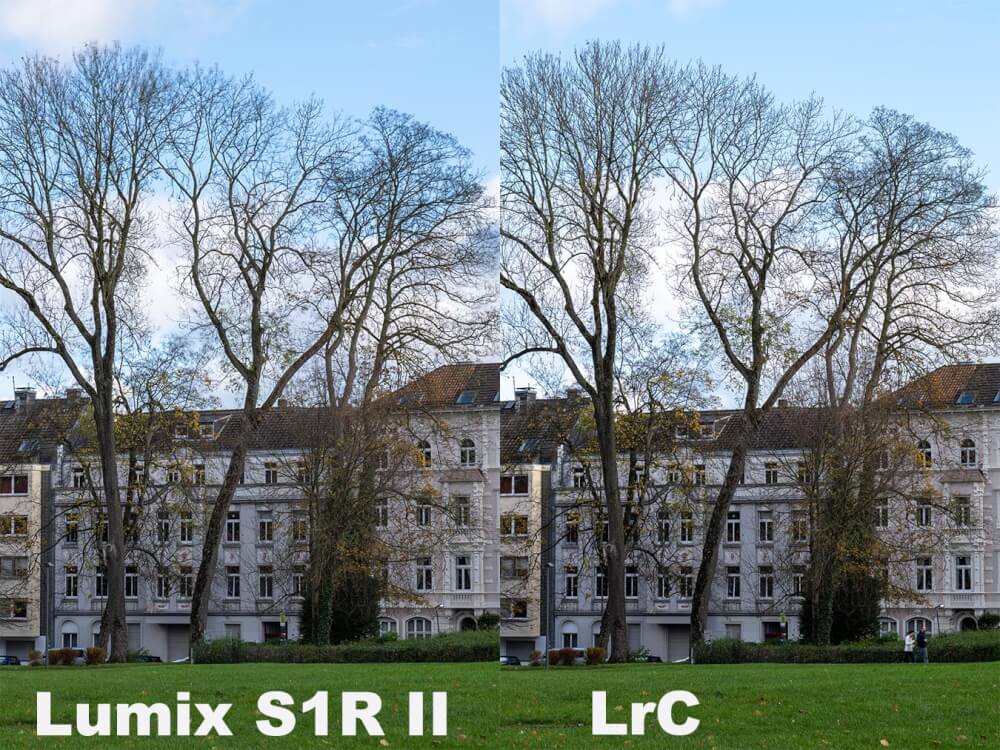
That’s quite impressive, but regardless of the method, it results in rather large files. However, even in this comparison, the differences are barely noticeable.
I find upscaling an image in software more flexible than doing it in-camera. Furthermore, there’s no risk of distracting errors caused by moving objects. And often, the desire for more megapixels, for example, for large-format printing, only arises later.
Conclusion
Even though the in-camera high-resolution option has its place, I find upscaling the image later in software to be the better and more flexible method. Above all, it avoids the drawback of having to pay attention to moving objects.
ciao tuxoche


