Resize a RAID array on the UGreen DXP4800+
Sometimes the desire or necessity arises to expand the capacity of an existing RAID array, as was the case for me.
Introduction
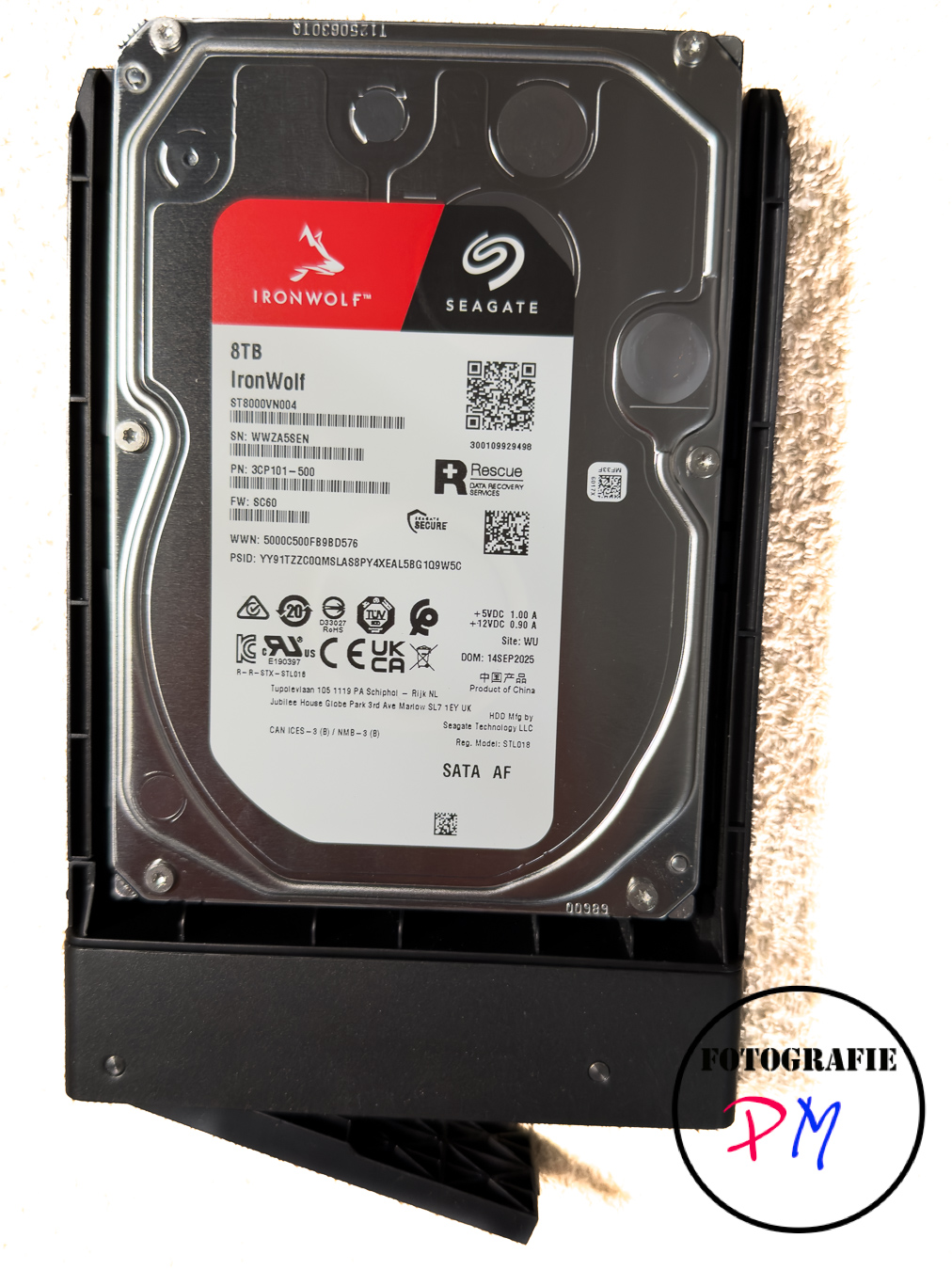 My situation arose because my 4 TB hard drives in RAID 5 on my DXP4800 were no longer sufficient. Therefore, I wanted to replace them with 8 TB drives, ideally without rebuilding the RAID and restoring the data from a backup.
Nevertheless, it is absolutely essential to have a current backup, just in case something goes wrong during the RAID expansion. And it’s still true that RAID is not a backup, and expanding a RAID 5 array puts stress on the hard drives, so a drive could potentially fail.
Procedure
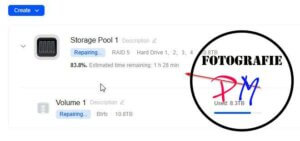
There are basically two ways to increase the volume of a RAID system. A working backup is required for both options, as the first option involves upgrading to larger drives and then restoring the backup.
A backup should also be available for the second option, in case something goes wrong. Here, the volume is changed, and each hard drive is marked as “disabled.” This automatically changes the RAID system’s status to “degraded.” The device is then shut down, and the affected drive is replaced with a larger one.
After restarting, the operating system or UGOS should begin rebuilding the RAID, which can take some time depending on the size of the hard drives. This process is then repeated for all hard drives, so it can take several days for the RAID to be fully expanded.
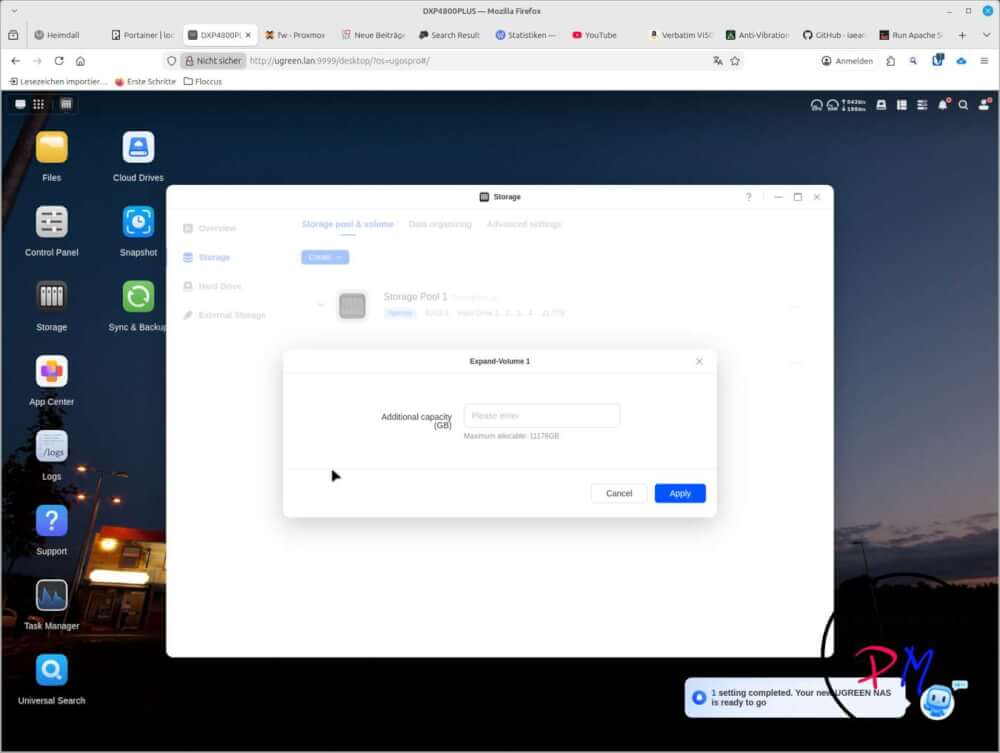
Once the last hard drive has been replaced and the RAID rebuilt, the operating system should indicate that the larger hard drives allow for increased capacity. This will also be displayed and can be entered to increase the volume accordingly. Afterward, the available disk space should correspond to the installed larger hard drives.
Conclusion
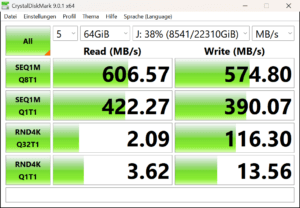 This was actually relatively easy and worked well, apart from the fact that it took quite a long time. However, completely rebuilding the RAID 5 and restoring all the data from the backup certainly wouldn’t have been possible in a shorter time.
And it was worthwhile in that the new 7200 rpm records seem to be a bit faster, especially when used together.
ciao tuxoche


