Proxmox Datacenter Manager first final version
Last Friday, Proxmox released the first final version of its Datacenter Manager as an ISO. A good reason to take a look.
Introduction

With the Datacenter Manager, Proxmox significantly expands its virtualization toolset. Version 1.0 is now available for download at 1.6 GB. Installation was performed in a virtual machine that, with its Linux kernel settings and very low resource consumption, already works very well.
In this case, I tested it with a machine that has 2 GB of RAM and 2 CPU cores.
Installer
Once the ISO is assigned to the VM, the familiar Proxmox installer, also used for the Virtual Environment, appears after startup
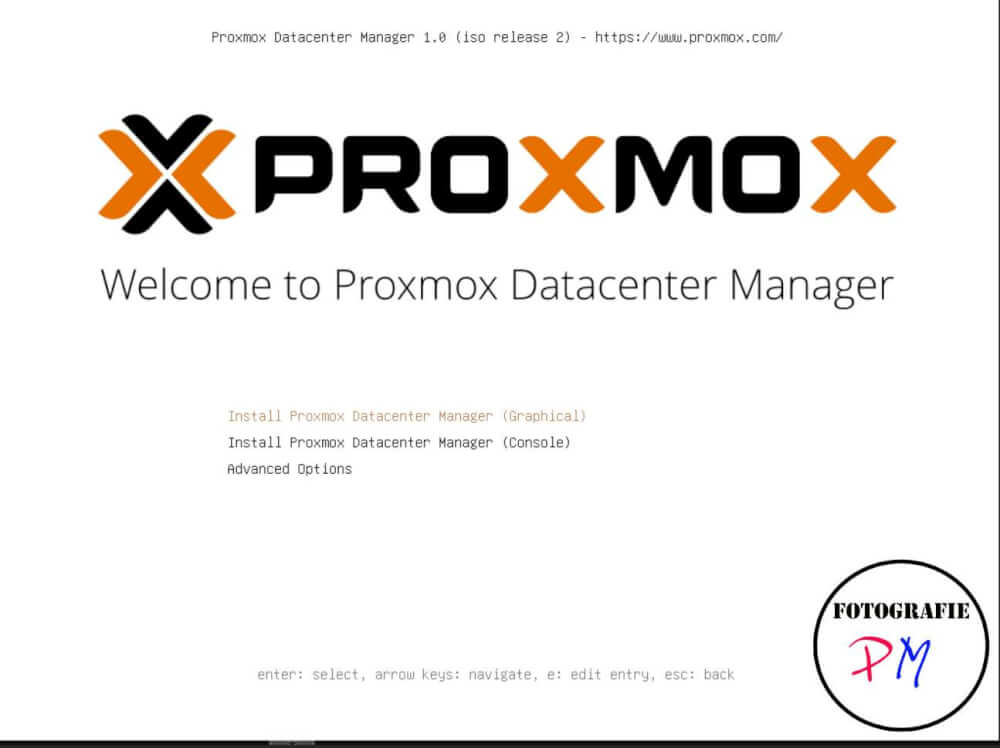
As usual, you enter the language, root password, and email address for possible notifications. This is very easy for me because Mailrise is installed on my system. Therefore, I only need to enter mailto@mailrise.xyz as the email address.
Dashboard
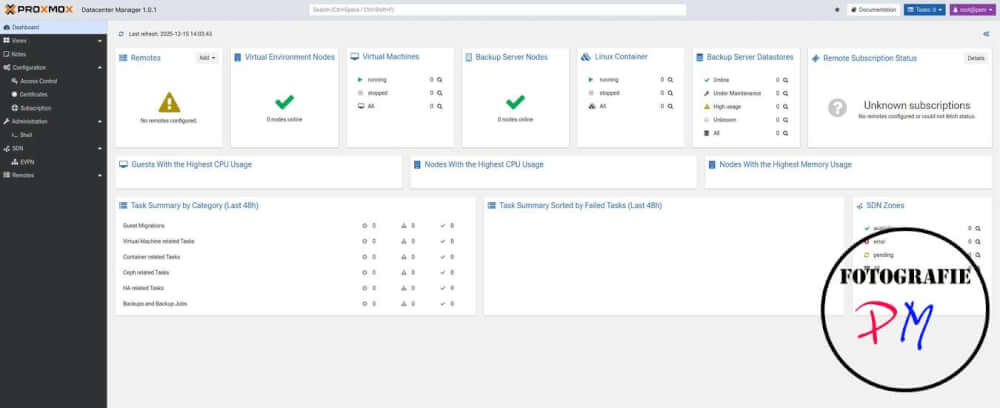
After the initial startup, the dashboard is, well, let’s just say very clear, since no Proxmox servers or Proxmox Backup servers have yet been added to the system.
As already mentioned, you can add a Proxmox server as a Proxmox Backup server by specifying the corresponding IP address and fingerprint of the respective system.
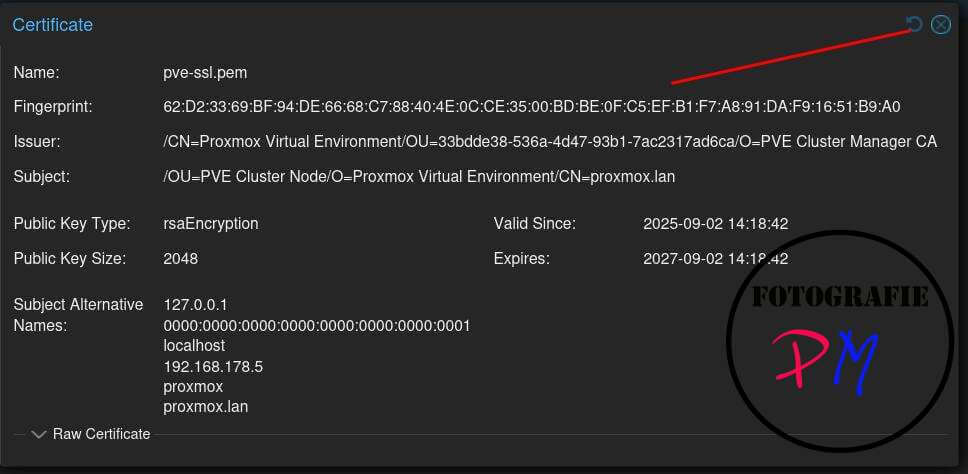
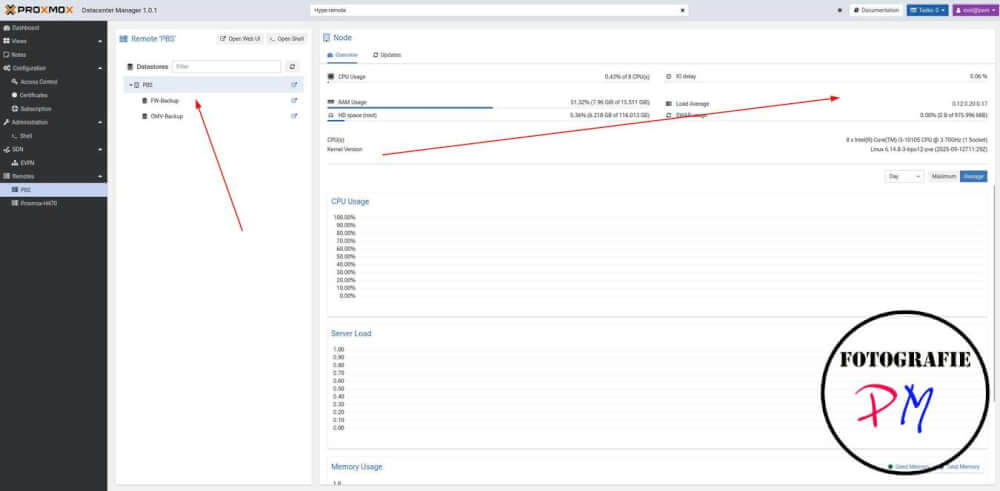
his is a procedure we are already familiar with from the Proxmox Backup server, and it works well there. Afterward, you can view all sorts of information about the Proxmox server in question on the dashboard.
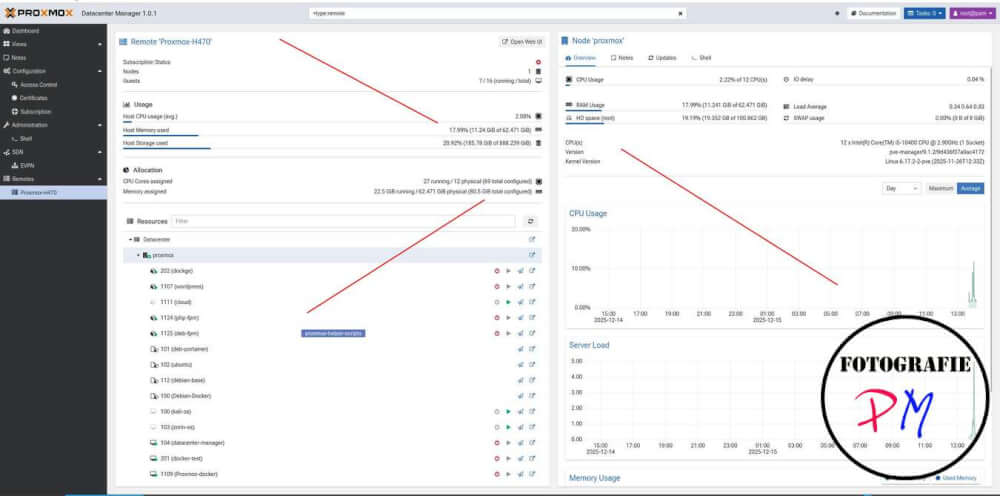
There you will find an overview of all running LXC or VMs, the CPU utilization, and the RAM usage. You can also perform updates on this machine or access a shell on the Proxmox server from the Datacenter Manager.
This works the same way with a Proxmox backup server, and you can also get an overview of existing backups or currently running tasks within data centers.
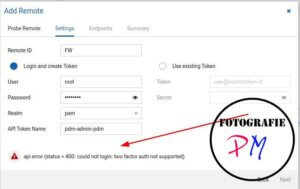 Only when connecting to my main Proxmox server was the connection rejected because it requires two-factor authentication (2FA). This can be resolved by creating an API token on the relevant server for the user in question, which can then be used to log in. Here, you just need to pay attention to the permissions, which can be defined very granularly in Proxmox.
With the token, you can then still access the data of the relevant Proxmox server, and this data is, of course, also available in the dashboard.
Conclusion
The software is certainly still in its early stages, and it will be interesting to see what Proxmox comes up with next. Essentially, it’s software for managing multiple Proxmox servers that are not grouped together in a cluster. You then have a complete overview of all of them. The ability to centrally manage SDN networks is certainly interesting for professional applications.
It was nice to see the software, but with my two Proxmox servers, it’s not really worth it :-).
ciao tuxoche

